
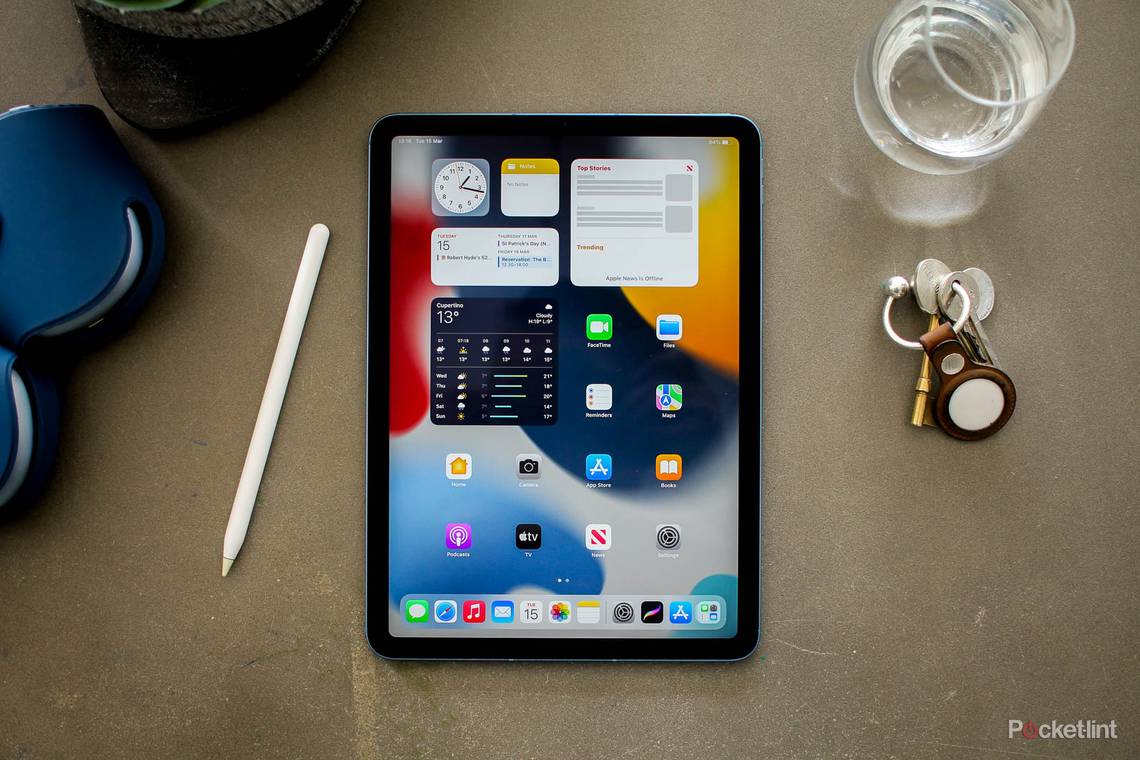
Many intuitive and useful iOS apps are available specifically for the iPad.
While most iOS apps do support the iPad, there are thousands of great apps in the Apple App Store that are meant to run on bigger screens (aka the iPad). Whether you want one for illustrating or writing essays or gaming, you have a multitude of options. There are so many it can be hard to decide which are worth trying. But we at Pocket-lint have been using the iPad (in its many sizes and models) faithfully since 2010.
That means we know which apps are amazing. To help clue you in, we've assembled this ultimate guide of the best iPad apps. We've arranged everything by category, too, so it should be easy to find the perfect app for your tablet.
If you want to know find great apps for the iPhone, we have a guide on that here.
|
BEST APPS CATEGORIES |
|
Best iPad apps

AR and VR (non-games)
IKEA Place
IKEA Place lets you virtually see 3D, true-to-scale IKEA products in your space. It includes most of IKEA's catalogue, like sofas and chairs, and helps you to better understand the furniture’s size, design, and functionality in your home.
Try it now: Ikea Place
Ink Hunter
AR can help you plan your next tattoo! InkHunter lets you preview what a tattoo might look like on your skin. Just draw a marker on yourself, and point your device camera on marker, and the app will show the design at every angle.
Try it now: Ink Hunter
Giphy World
This AR-powered app lets you overlay GIFs onto the real world and share your creations with friends. Imagine drawing in the air with cat GIFs.
Try it now: Giphy World
MeasureKit
Although Apple now offers a Measure app directly in iOS, there are alternatives, like MeasureKit, which has nine AR tools: Ruler, Magnetometer, Trajectory, Face Mesh, Marker Pin, Angles, Person Height, Cube, and Level.
Try it now: MeasureKit
Star Walk
Star Walk is a popular stargazing app. It's an interactive guide to the night sky, following your every movement in real-time and allowing you to explore over 200,000 celestial bodies and get access to information about anything you find.
Try it now: Star Walk
Vuforia Chalk
Vuforia Chalk combines live video, audio, and the ability for a remote person to annotate their live view. Annotations accurately stick to real-world objects, even when people move around. Imagine, for instance, using this as a field technician.
Try it now: Vuforia Chalk
Cloud storage
Apple iCloud Drive
This is Apple's own cloud storage service. Documents, media, and folders that you store in iCloud Drive stay up to date across all of your Apple devices, so you can access them from your iPhone, iPad, iPod touch, Mac, or PC, and on iCloud.com. You get 5GB of space for free to start.
Try it now: iCloud Drive
Dropbox
Dropbox lets you store files and folders to the cloud and share them, scan docs, and collaborate with others, with everything safely synced across all your devices - so you can access it anytime, anywhere. You get 2GB of space for free to start.
Try it now: Dropbox
Google Drive
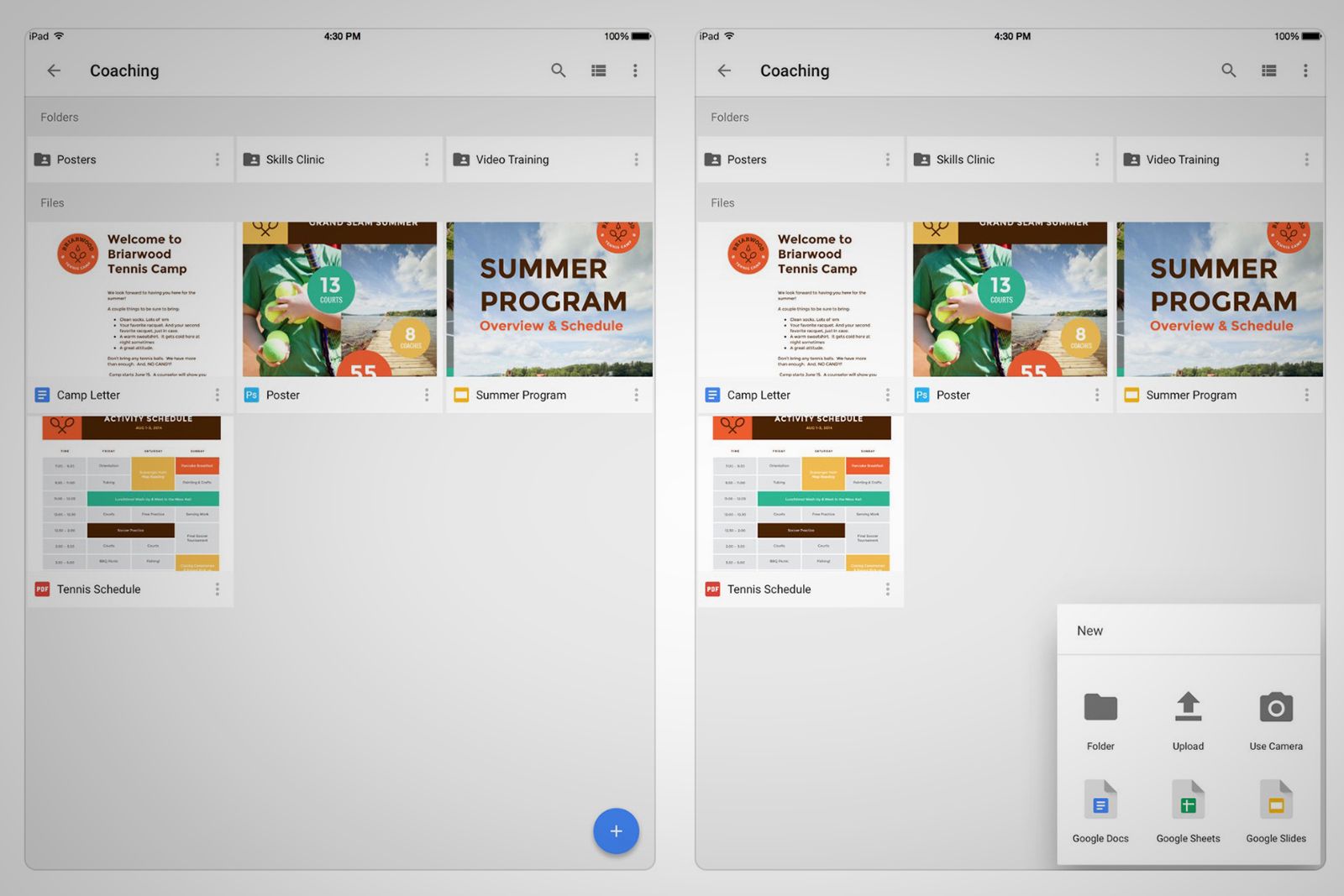
Google Drive is similar to Dropbox, only you get 15GB free to start, and it directly supports Google's entire product portfolio. You can see your Google Photos or Google Docs files, for instance, and invite others to view, edit, or leave comments.
Try it now: Google Drive
Microsoft OneDrive
Those of you who are more tied to Microsoft's ecosystem (maybe you have a Windows 10 PC or use Office apps), should get OneDrive. It lets you access and share your documents, photos, and other files from your iOS device and computer (PC or Mac).
Try it now: Microsoft OneDrive
Dating and relationships
OKCupid
OKCupid is all about rich profiles, where you can show off your personality and interests. You can answer thousands of questions about yourself, or just a few, and it algorithm will helps you connect with people who share your passions.
Try it now: OKCupid
Grindr
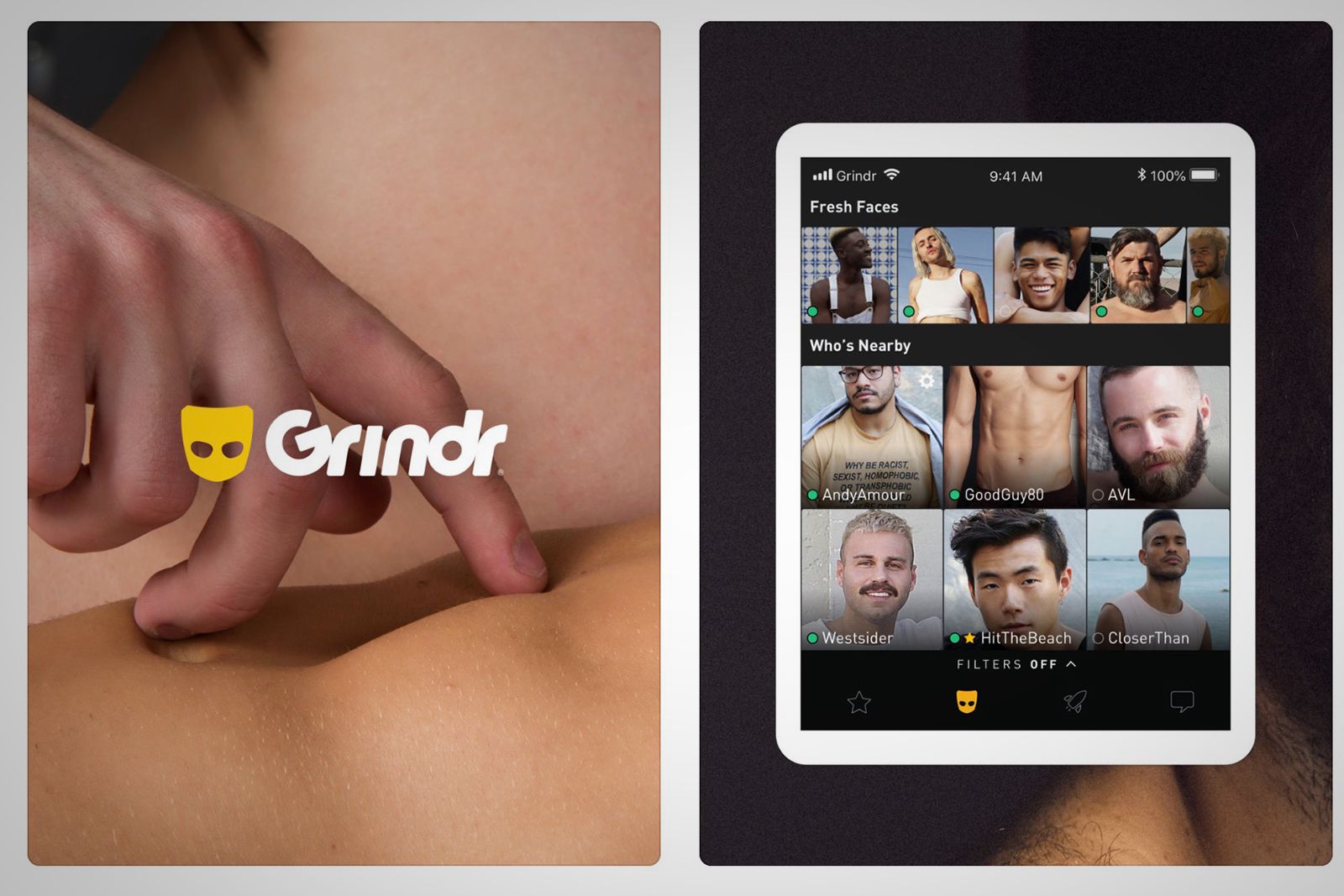
Grindr is a social networking and chat app for gay, bi, trans, and queer people. It's not as fully featured or pretty as, say, Tinder, but it's still the No. 1 option for the LGBTQ community.
Try it now: Grindr
Finance
YNAB
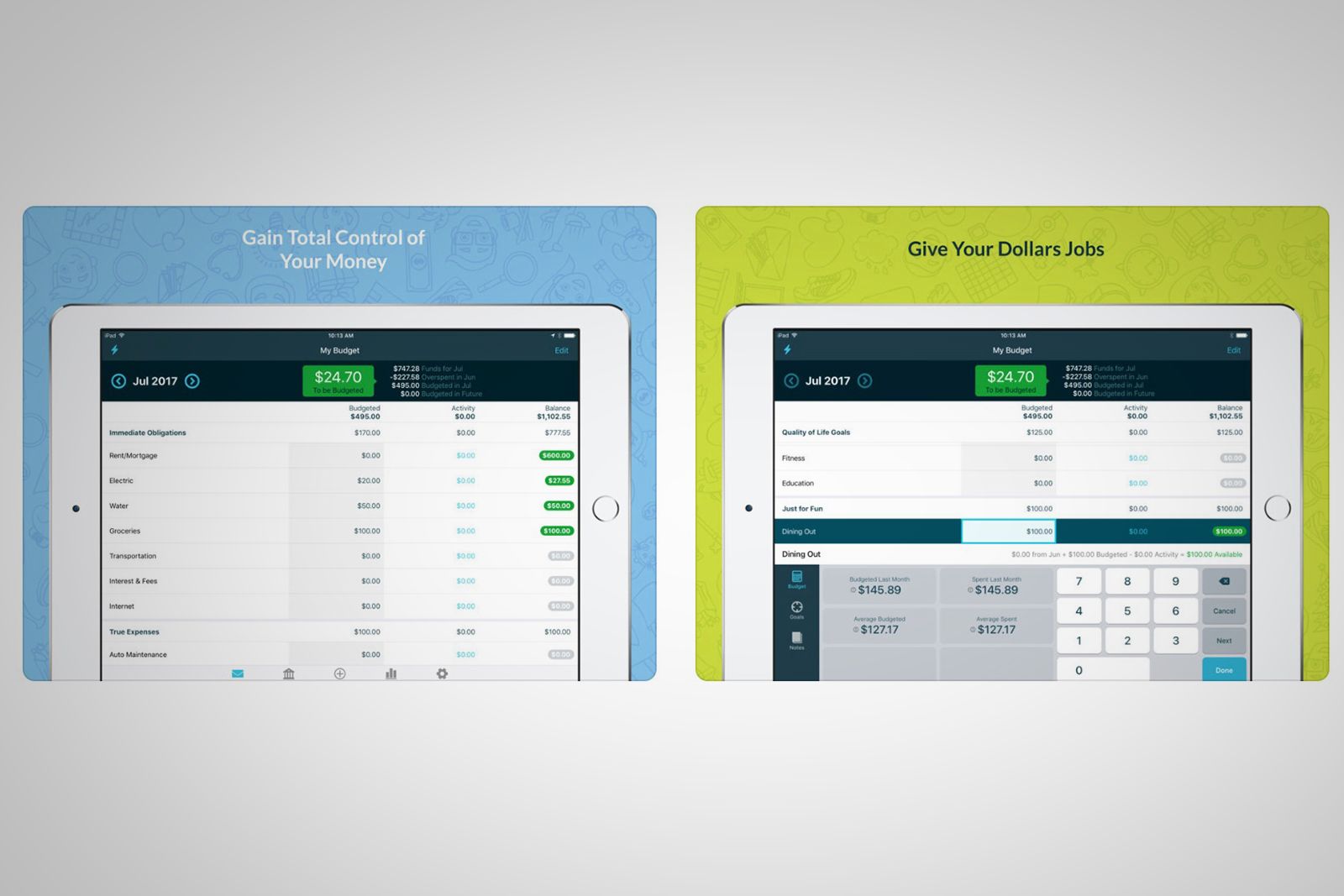
YNAB claims to help you "break the paycheck to paycheck cycle, get out of debt, and save more money". Apparently, on average, new users save $600 in the first two months, and more than $6,000 in the first year. First 30 days of use are free.
Try it now: YNAB
Mint
Want to see how you spend your money? Mint is the free money management and financial tracker app that brings together your bank accounts, credit cards, bills, and investments and see what you’re spending and where you can save money.
Try it now: Mint
Robinhood
Robinhood lets you buy and sell stocks and exchange-traded funds without paying a commission. You can start a portfolio and invest in your favourite companies. Like Acorns, it's meant for novice investors who want to buy and trade.
Try it now: Robinhood
Venmo
Venmo is like Square Cash, but with a social layer. You can add notes to your payments for others to see, and like or comment on friends’ stories.
Try it now: Venmo
Games
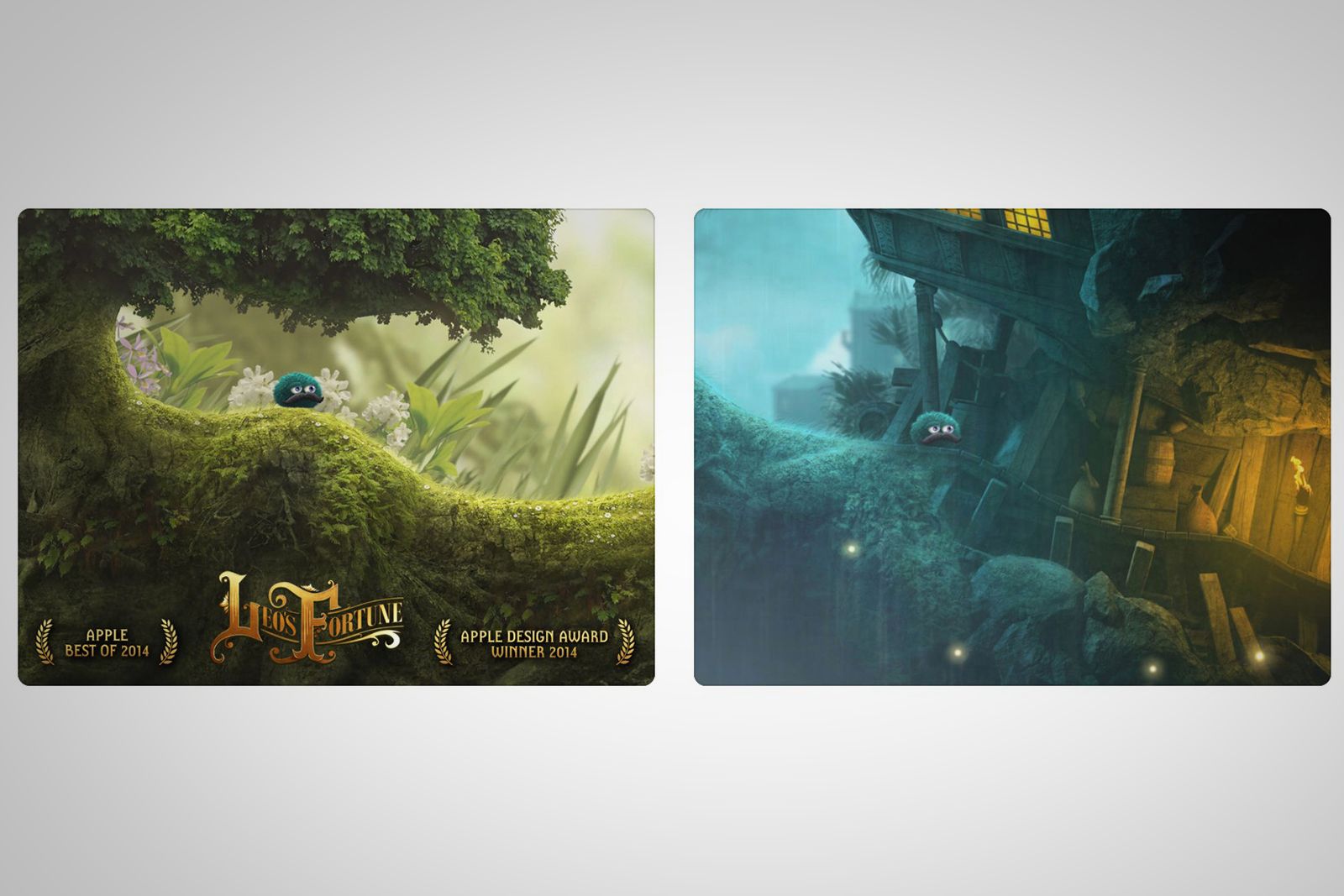
Leo's Fortune
Leo's Fortune is an adorable platforming game with gorgeous stages and graphics, smart puzzles, a whimsical story, and a little fluff ball you can make float or sink to reach gold coins. It's a refreshing break from side scrollers.
Try it now: Leo's Fortune
Invisible, Inc.
Invisible, Inc. is a turn-based stealth game that generates complex levels you must navigate through to evade enemies and complete objectives. You control 10 different characters on various missions, with loads of customisation options.
Try it now: Invisible, Inc.
Minecraft: Pocket Edition
Microsoft's hugely popular Minecraft game is available on every console and platform, including the iPad. With it, you can explore, mine, and craft away in a blocky 3D pixelated environment, letting your imagination run wild.
Try it now: Minecraft
Superbrothers: Sword & Sworcery
This is an adventure game with an odd, spooky story as well as a great soundtrack. It's pitched as a game where you traverse a mythic little realm, battle, and evoke sorcery - all while cooperating with friends via Twitter. Seriously.
Try it now: Superbrothers: Sword & Sworcery
Stranger Things
Love the Netflix Original series? Us too. Now, with the game, you can travel through Hawkins and use characters' weapons to battle enemies, do quests, and solve the latest supernatural mystery in everyone's favourite 80s town.
Try it now: Stranger Things
Mini Metro
Now you can finally fix the subway. Well, technically, Mini Metro will let you try to create your own subway system. It's a minimalist, yet complex, game with mind-boggling, head-scratching puzzles you got to figure out.
Try it now: Mini Metro
Red's Kingdom
Red's Kingdom is an adventure puzzle game with a sweet story and wonderful gameplay. Mad King Mac has kidnapped your father and stolen your golden nut! You need to explore and battle your way through the kingdom.
Try it now: Red's Kingdom
FTL: Faster Than Light
In FTL, you run a spaceship and try to save the galaxy, with every encounter presenting a unique challenge with multiple solutions. Each play-through will feature different enemies, events, and results to your decisions.
Try it now: FTL
Sid Meier's Civilization VI
It's Civ! You can have the full Sid Meier’s Civilization experience in your pocket. Download now and play your first 60 turns for free.
Try it now: Sid Meier's Civilization VI
Darkest Dungeon: Tablet Edition
Darkest Dungeon is a challenging turn-based RPG about the psychological stresses. You must recruit, train, and lead a team through twisted forests, crypts, and beyond, all while battling stress, famine, disease, and the dark.
Try it now: Darkest Dungeon: Tablet Edition
The Room: Old Sins
Here is another challenging puzzle game with a captivating story: the sudden disappearance of an engineer and his wife provokes the hunt for a precious artifact that leads to the discovery of an old, unsettling dollhouse.
Try it now: The Room: Old Sins
80 Days
With this game, you race around the globe in 80 Days or less, traveling by airship, submarine, mechanical camel, steam-train, and more.
Try it now: 80 Days
Hitman GO
Hitman GO is a turn-based strategy game where you navigate fixed spaces on a grid to avoid enemies and take out your target.
Try it now: Hitman GO
NEO Scavenger
NEO Scavenger is a game where you must survive in the wasteland. And with each passing minute, you weaken and must choose your starting abilities carefully, "because they and your wit are the only tools you have".
Try it now: NEO Scavenger
The Witness
Ever wonder what it'd be like to wake up, alone, on a strange island? Now you can, but with puzzles that will challenge and surprise you.
Try it now: The Witness
Papers Please
The communist state of Arstotzka has just ended a six-year war with its neighbor. Your job as immigration inspector is to control the flow of people entering while also deciding who will be turned away or arrested.
Try it now: Papers Please
Alto's Odyssey
This is a sequel app to Odyssey Adventure. You play the role of a snowboarder, flying down an endless, gorgeous landscape. While Adventure had players on a cold mountain, Odyssey throws in some pastures and desert landscapes.
Try it now: Alto's Odyssey
Clash Royale
Clash Royale is a tower rush game in which you can duel players from around the world in real-time in both 1v1 and 2v2 Battles. The objective (three minutes into the game) is to destroy opposing towers as well as the "King tower".
Try it now: Clash Royale
Fortnite
This is a Battle Royale game where you squad up and compete to be the last one standing in 100-player PvP. You're supposed to build cover, battle your opponents, and survive the longest to earn your victory.
Try it now: Fortnite
HQ Trivia
HQ Trivia a popular live game show where you can win real cash prizes. Every day, you tune into the HQ live show to answer trivia questions, which range from easy to hard, and see if you can win cash.
Try it now: HQ Trivia
Hearthstone
With this card battler, you're the hero who uses cards to "sling spells, summon minions, and seize control" of the battlefield. You can jump right in, build your deck, hone your skills, and fight for glory in the Arena and duel players.
Try it now: Hearthstone
LEGO AR Studio
LEGO AR Studio is an AR app that lets you play with virtual LEGO toys and sets in your real-world environment. You can move and position everything, learn details about your set, and try movie-making. You control the entire experience.
Try it now: LEGO AR Studio
Monument Valley
This is a sequel to 2014's Monument Valley. It's an indie puzzle game, where the goal is to guide Ro and her child through mazes, optical illusions, and impossible objects in order to complete the puzzle.
Try it now: Monument Valley
Pokemon Go
This game put mobile AR experiences on the map in 2016. It allows you to be a Trainer who can search for Pokemon in the real-world, as well as do catching, hatching, evolving, and more. You can even compete in epic gym battles.
Try it now: Pokemon Go
PUBG Mobile
This is a Fortnite-like Battle Royal game in which 100 players parachute onto a remote island. Players have to locate and scavenge their own weapons, vehicles, and supplies, and defeat every player to be the last one standing.
Try it now: PUBG Mobile
Threes
Threes is an indie puzzle game where the player slides numbered tiles on a grid to combine addends and multiples of three. The game ends when there are no moves left on the grid and the tiles are counted for a final score.
Try it now: Threes
Health and fitness
Glow
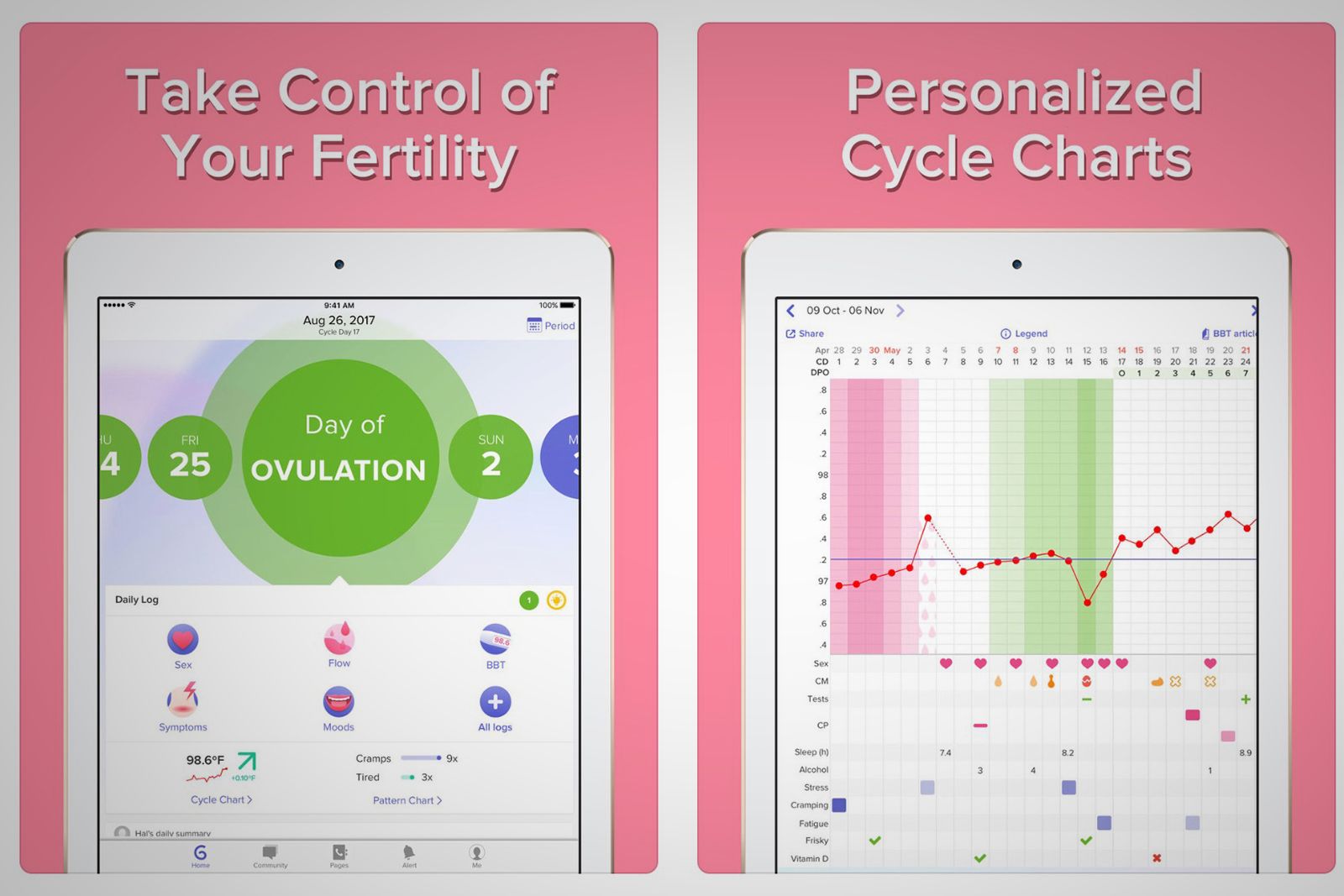
Clue on the iPhone is our No. 1 suggestion, but Glow is a nice alternative on iPad. It has a menstrual and ovulation calculator that also helps women learn about their fertility, whether avoiding or attempting pregnancy.
Try it now: Glow
C25K
C25K is another Couch to 5K program. Like the others, it mixes running and walking, gradually building up your strength and stamina.
Try it now: C25K
Fertility Friend
Fertility Friend is another fertility tracker. It has an advanced ovulation calculator, menstrual calendar, fertility chart, and period tracker. Its aim is to help you get pregnant, with personalised trying-to-conceive tips and analysis.
Try it now: Fertility Friend
Headspace
Headspace is a guided meditation app. The basics course is completely free and will teach you the fundamental techniques of meditation and mindfulness. After that, with a subscription, you can access the full Headspace meditation library.
Try it now: Headspace
Lose it!
Lose It! is a weight loss program. You simply download the app, set your goal, and track the foods to lose weight.
Try it now: Lose it!
MyFitnessPal
MyFitnessPal, which is integrated with Under Armour's apps and devices, helps you track food, create goals, log exercise, and get support.
Try it now: MyFitnessPal
Pocket Yoga
Pocket Yoga will guide you through an entire Yoga session. It offers different ones with varying difficulty and helps you to learn all the poses.
Try it now: Pocket Yoga
Sleep Cycle
Sleep Cycle is an intelligent alarm clock that tracks your sleep patterns and decides to when to wake you up in light sleep - the natural way.
Try it now: Sleep Cycle
Daily Yoga
Daily Yoga offers over 500 asanas, 200 guided classes of yoga, pilates, and meditation, 50 workout plans, and even coaches workshops.
Try it now: Daily Yoga
Music
Apple Music
This is Apple's music subscription service built into its devices. With it, you can stream practically any tune you've ever wanted to hear.
Try it now: Apple Music
GarageBand
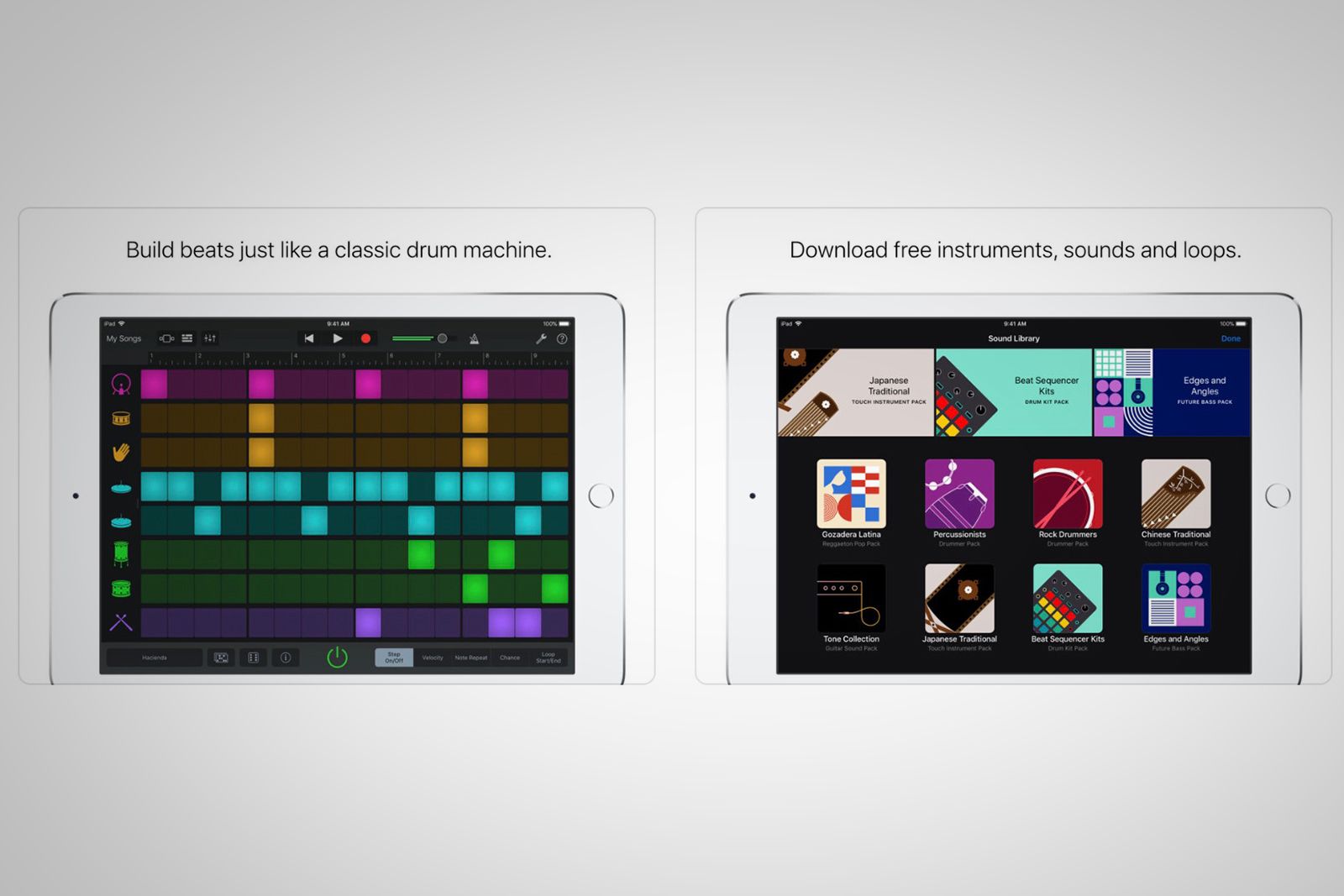
Apple's GarageBand turns your iPad and iPad into a recording studio, so you can create and mix music - or even be a DJ - while on the go.
Try it now: GarageBand
Pandora
Pandora is a classic music app that's basically a digital radio. It lets you create stations from your favorite songs, artists, or genres.
Try it now: Pandora
SoundCloud
SoundCloud is a music and audio streaming platform, with over 180 million tracks. It lets you upload audio and find new music, all in one place.
Try it now: SoundCloud
Spotify
Spotify is like Apple Music, only it's not tied to Apple devices, and there is a freemium tier that lets you listen to stations and playlists with ads.
Try it now: Spotify
Security
1Password
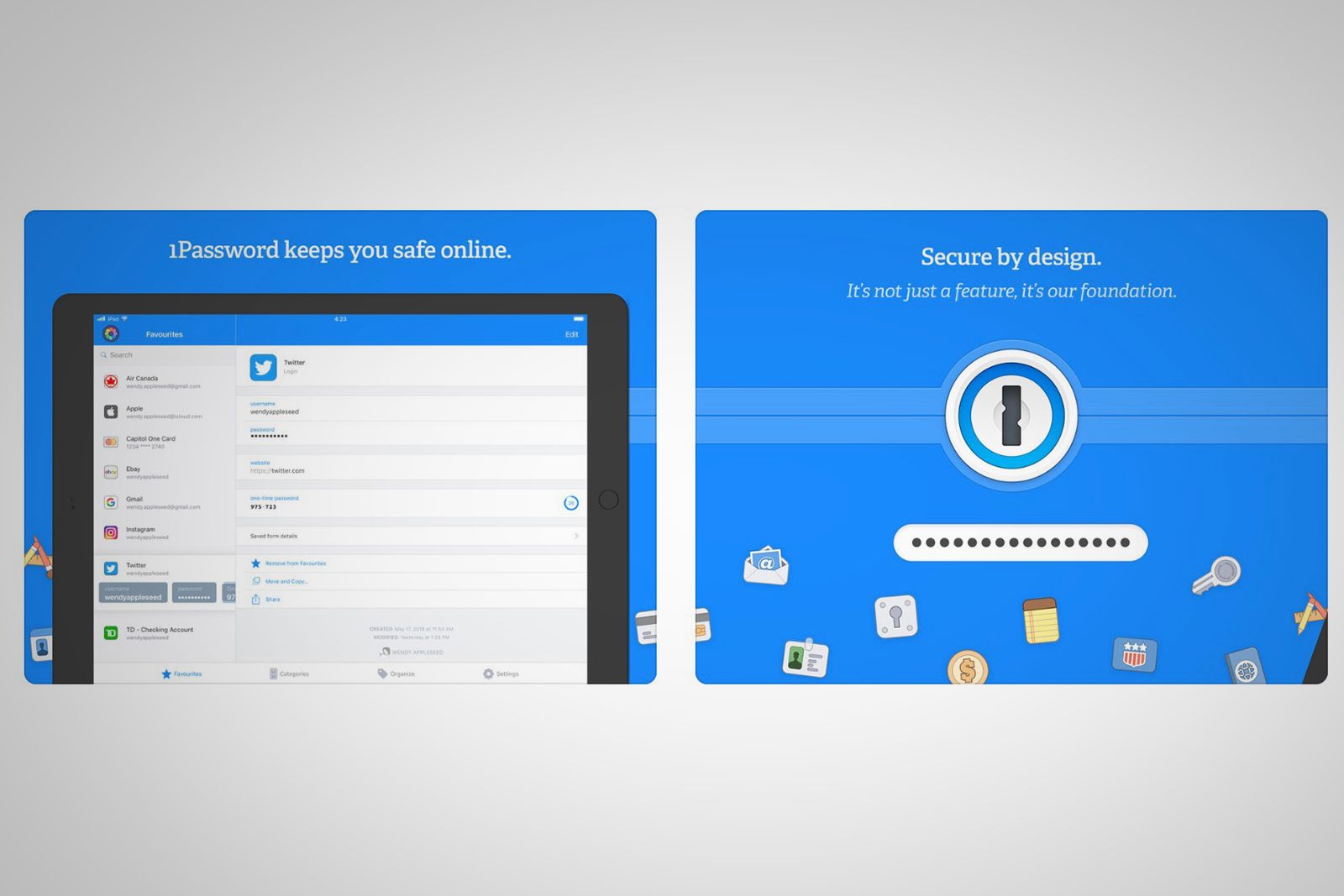
This is a password manager. It remembers all your passwords for you, lets you generate passwords, and easily signs you in to sites and apps.
Try it now: 1Password
NordVPN
Traveling to a foreign country? Or just want to browse in peace at home? With this app, you can enjoy safe and private internet access and secure your Wi-Fi connections against various cyber threats. There's a free trial to start.
Try it now: NordVPN
Onion browser
Onion Browser is the original free and open-source Tor-powered web browser that helps you access the internet with more safety and privacy.
Try it now: Onion browser
Shopping
Amazon
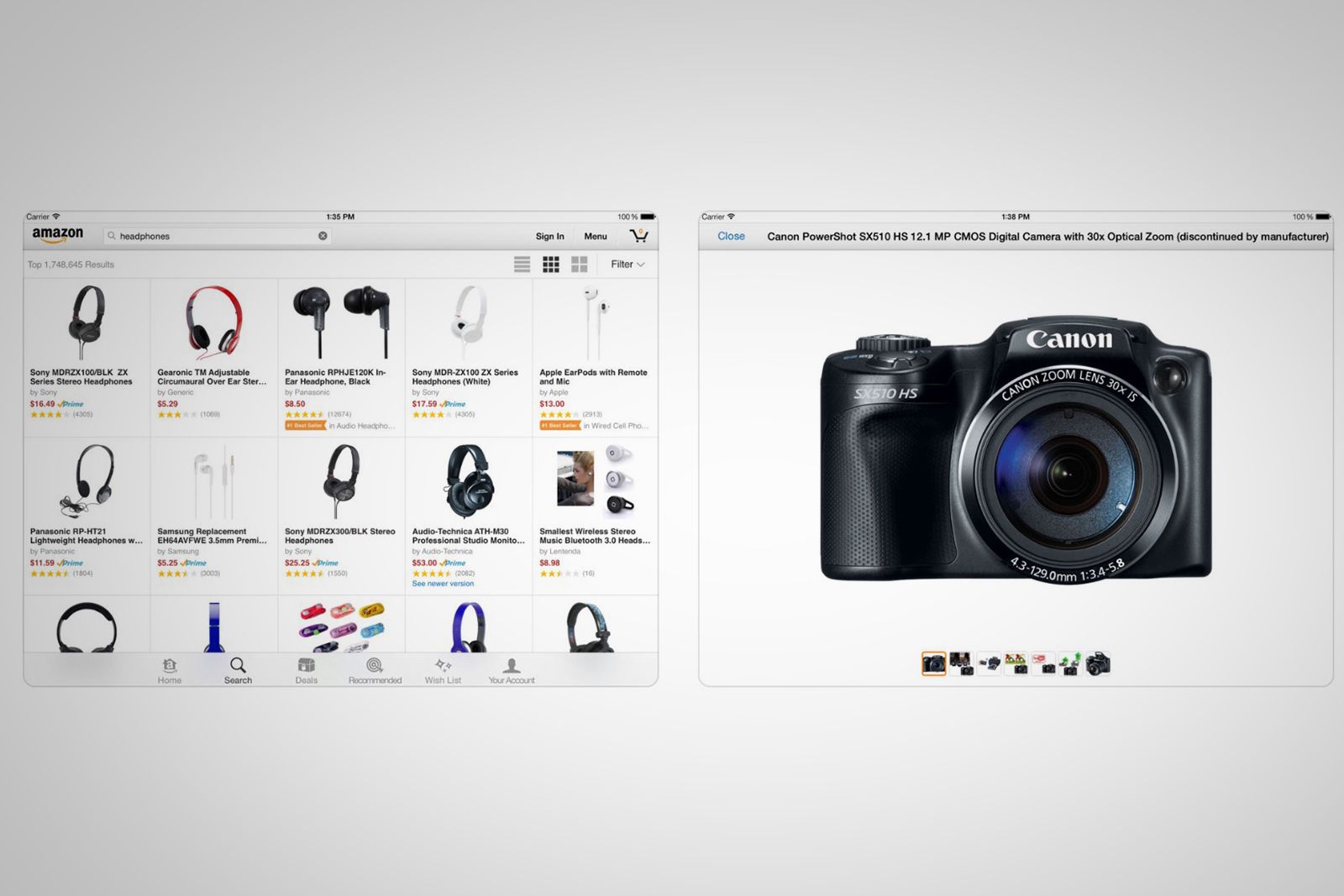
We all know what Amazon is - and with this app, you can easily shop it from your mobile device. It even lets you access Alexa and scan products.
Try it now: Amazon
ASOS
The ASOS app claims to be home to more than 850 brands and over 85,000 products (mostly clothing). It offers free delivery and return options.
Try it now: ASOS
Etsy
Interested in buying or browsing handmade, vintage, and one-of-a-kind goods? Then you need to use Etsy.
Try it now: Etsy
Houzz
Houzz is your one-stop shop for improving and designing your home. Browse inspirational photos, view and buy products, hire and collaborate with professionals, get advice, read articles, and more with this handy home decor app.
Try it now: Houzz
IKEA Catalogue
Want to browse IKEA's latest product catalogue, create a mood board, and test out IKEA furniture in your space? Look no further.
Try it now: IKEA catalogue
Overstock
Overstock is like Amazon, but it's Overstock, obviously. Shop sales, try out furniture in AR, check-out with Apple Pay, and more.
Try it now: Overstock
ShopStyle
ShopStyle enables you to buy clothing, shoes, sneakers, and entire outfits - from practically every designer you've ever heard about.
Try it now: ShopStyle
Wayfair
If home goods is your thing, Wayfair claims to house the world’s largest selection of home goods - with prices ranging from cheap to wow. It also has a new 3D View in Room feature that lets you see virtual items in your space.
Try it now: Wayfair
eBay
Love eBay? Then you’ll love the eBay app. It lets you use your camera to search for items, scan barcodes, and manage your account.
Try it now: eBay
Smart Home
Amazon Alexa
Own an Alexa device? Then you need this app to set it up, manage your profile, find skills, and do just about anything Alexa related.
Try it now: Amazon Alexa
Google Home
What the Alexa app is to Alexa devices, the Google Home app is to Google Home and Chromecast devices. It's a must-have for Assistant users.
Try it now: Google Home
Apple Home
This is Apple's smart home app, built directly into iOS. Use it to control all your accessories, put your smart house on autopilot, and more.
Try it now: Apple Home
IFTTT
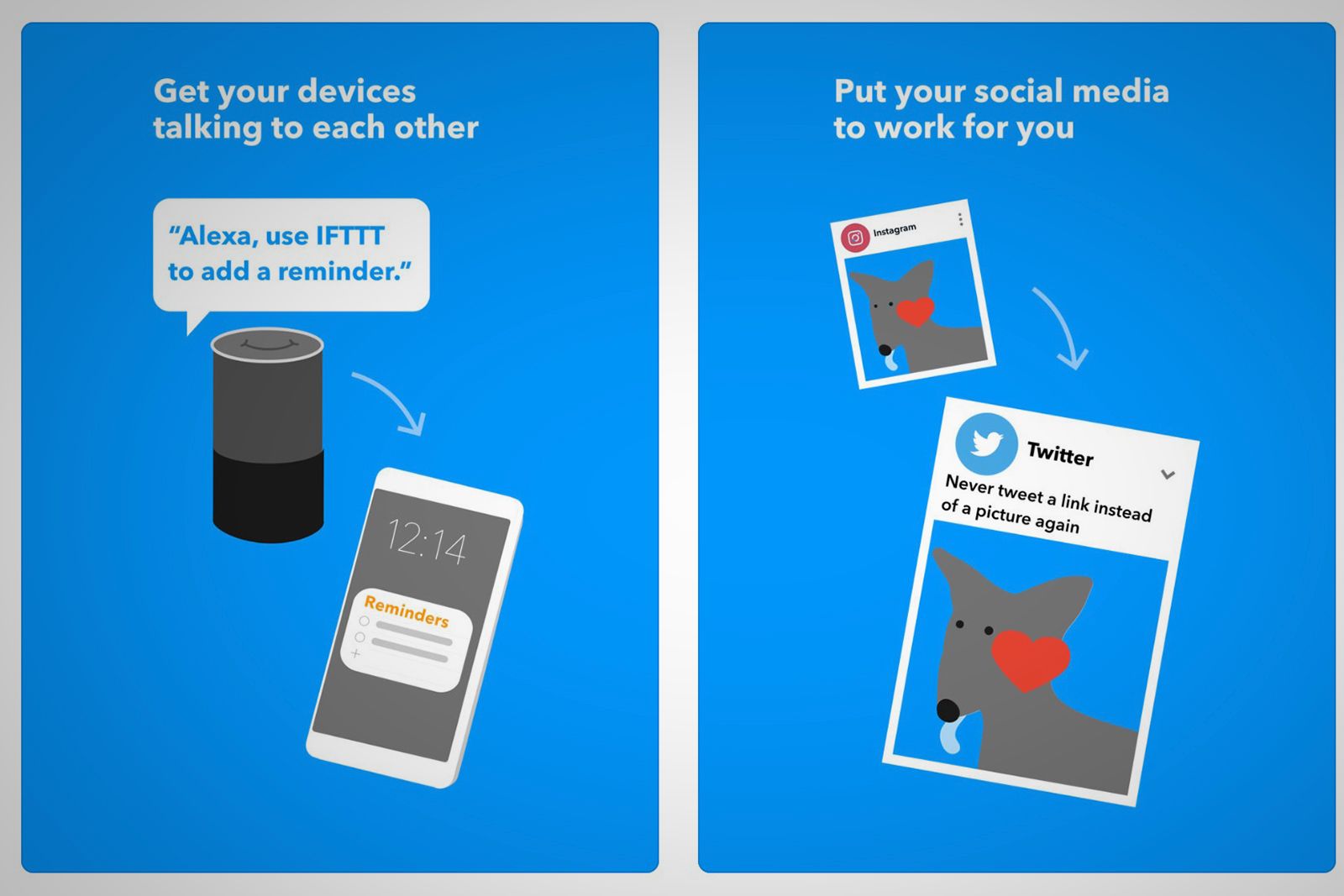
IFTTT is less relevant now that Apple has the Shortcuts app, but with it, you can essentially connect and automate all your online services.
Try it now: IFTTT
Shortcuts
Shortcuts is Apple's built-in iOS tool that lets you easily get more tasks done with your apps. For example, Apple said you can build a “Surf Time” shortcut that grabs the surf report, gives an ETA to the beach, and launches your music playlist.
Try it now: Shortcuts
Writing
Apple Pages
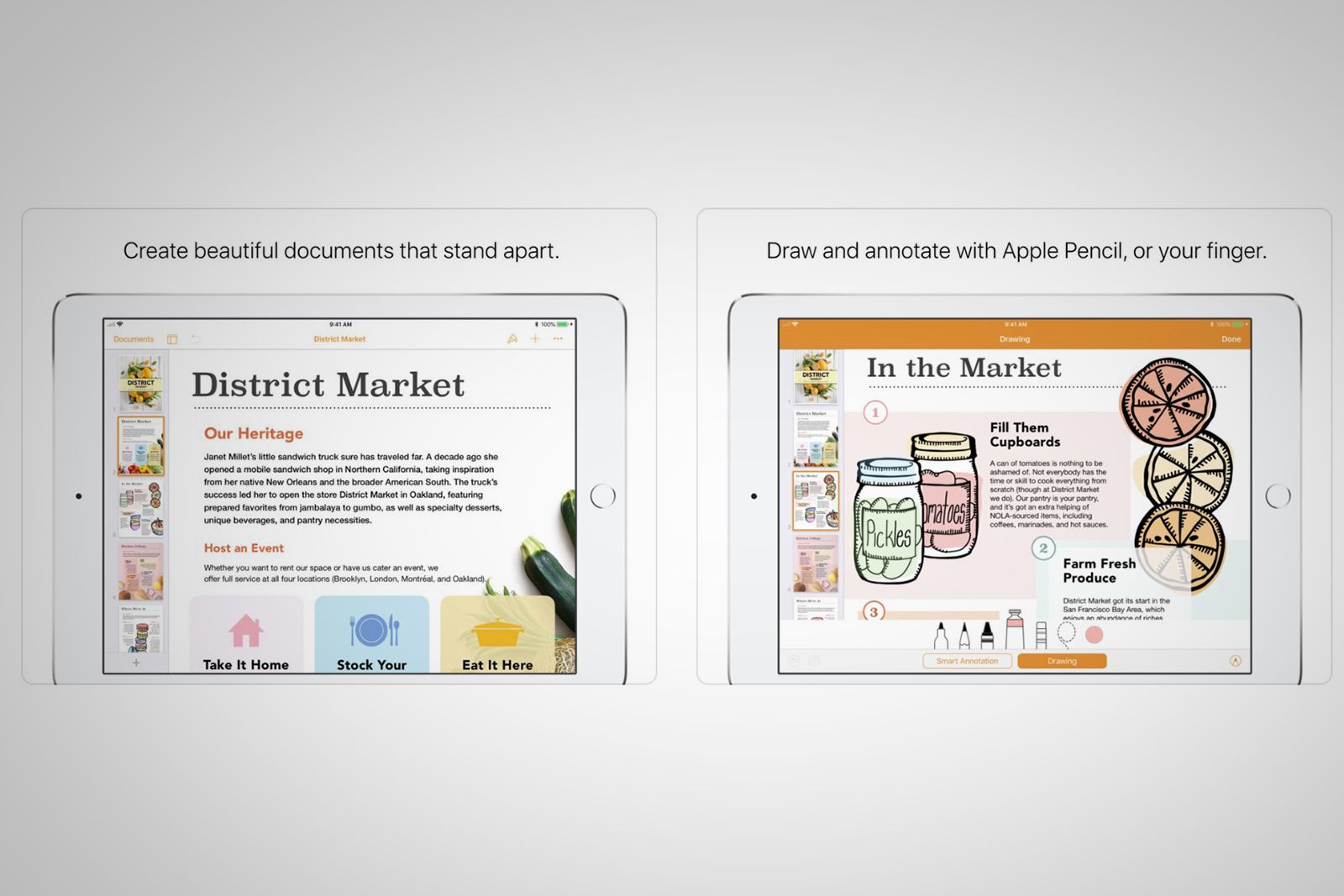
Pages a free word processor made by Apple. It's available on all Apple devices and syncs to iCloud, so you can continue editing on any device.
Try it now: Apple Pages
Microsoft Word
Word is the gold standard of word processors and is often used in the workplace. But it does require an Office 365 subscription on the iPad.
Try it now: Microsoft Word
Google Docs
Simply put, Docs is a cloud-based alternative to Word. Use it to create, edit, save, and even collaborate on documents while on the go.
Try it now: Google Docs
Evernote
Evernote is a popular note app. You can input typed notes or scan handwritten notes. You can also add to-do’s, photos, images, web pages, or audio, and it syncs across your devices, so your information is always with you.
Try it now: Evernote
Bear
Bear is a focused writing app that puts tools out of the way. Better yet, it lets you dictate and append to recent notes with your Apple Watch.
Try it now: Bear
iA Writer
iA is another distraction-free, minimalist notepad. It only shows text in plaintext, and it has useful organisation tools like search and sort.
Try it now: iA Writer
Notability
Complete, sign, and share documents in Notability. You can bring in photos, GIFs, web pages, and more from other apps into Notability.
Try it now: Notability
Books, audiobooks, and podcasts
Apple Podcast
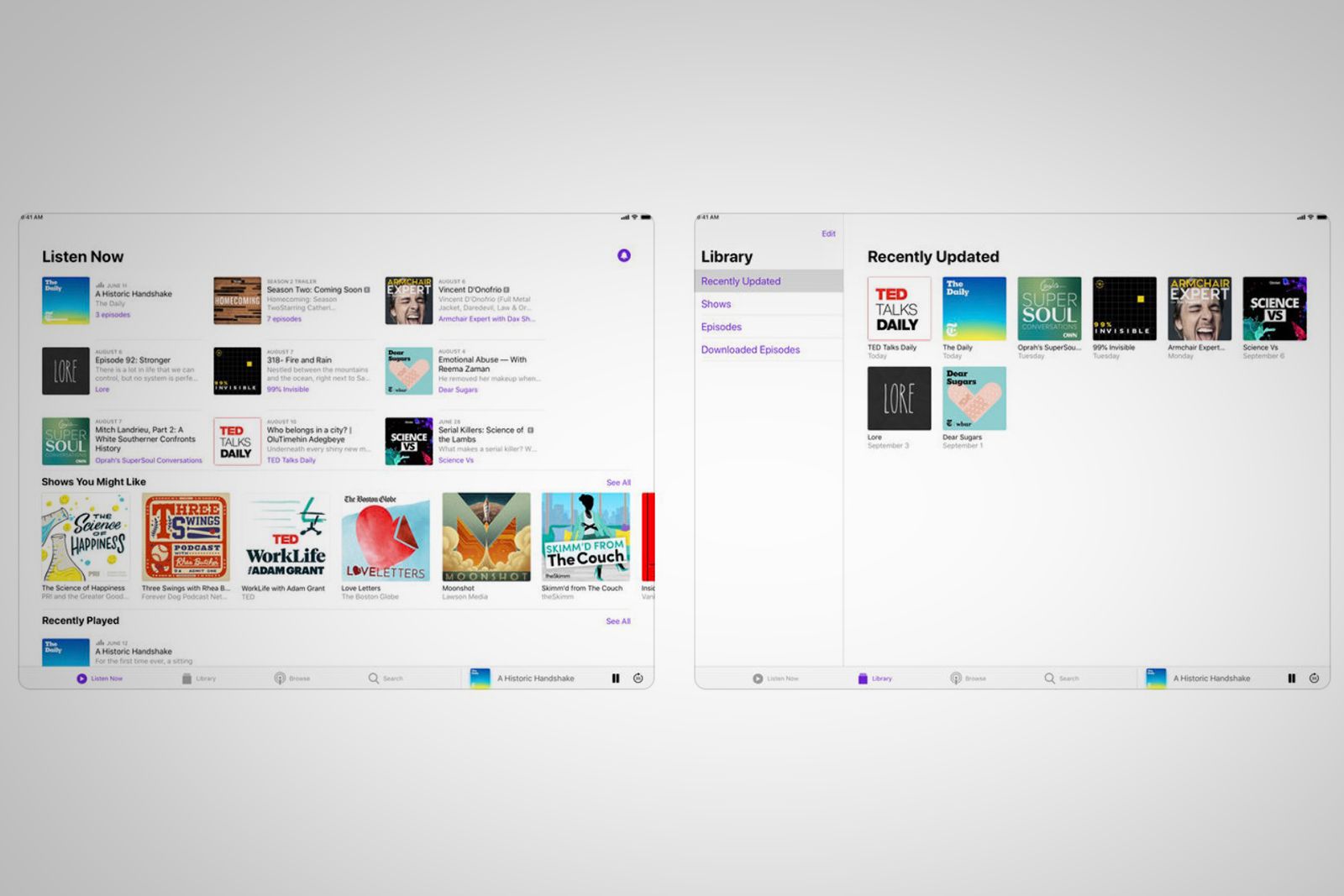
This is Apple's built-in iOS Podcast app that lets you discover audio stories. It offers over 550,000 shows with nearly 19 million episodes.
Try it now: Apple Podcast
Audible
Audible, an Amazon company, claims to be the largest selection of audiobooks. You can buy and listen to them with this app.
Try it now: Audible
Chunky Comic Reader
This is a clean comic book reader. It promises smart upscaling to make even low-res comics look great, complete with auto contrast and tint fixes.
Try it now: Chunky Comic Reader
Comixology
Want to explore over 100,000 digital comics and graphic novels? This app has titles from Marvel, DC, Image, and more.
Try it now: Comixology
Flipboard is a well-known app that curates and serves up news stories in an easy-to-digest, audiovisual way that reminds us of a magazine.
Try it now: Flipboard
Google Play Books
Google's Play Book app lets you browse millions of book titles, from audiobooks to ebooks, and enjoy them, all in one central place.
Try it now: Google Play Books
Kindle Reader
Amazon's Kindle Reader lets you turn your iPad into a Kindle. It allows you to download and carry all your ebooks with you, wherever you go.
Try it now: Kindle Reader
Kobo
Kobo is an alternative ebook and audiobook store, with over six million titles to choose from. It lets you listen to and read books, too.
Try it now: Kobo
Libby
Did you know your local library has thousands of ebooks and audiobooks? You can borrow them, instantly, for free, using Libby.
Try it now: Libby
Overcast
Overcast is a "modern, fully featured" podcast player that aims to let you better control your listening experience, with custom playlists, shrinked silences, an intuitive interface, and more unique features.
Try it now: Overcast
Education
EasyBib
If you're a student, you need this app when writing bibliographies for papers. It's basically an accurate citation generator.
Try it now: EasyBib
Duolingo
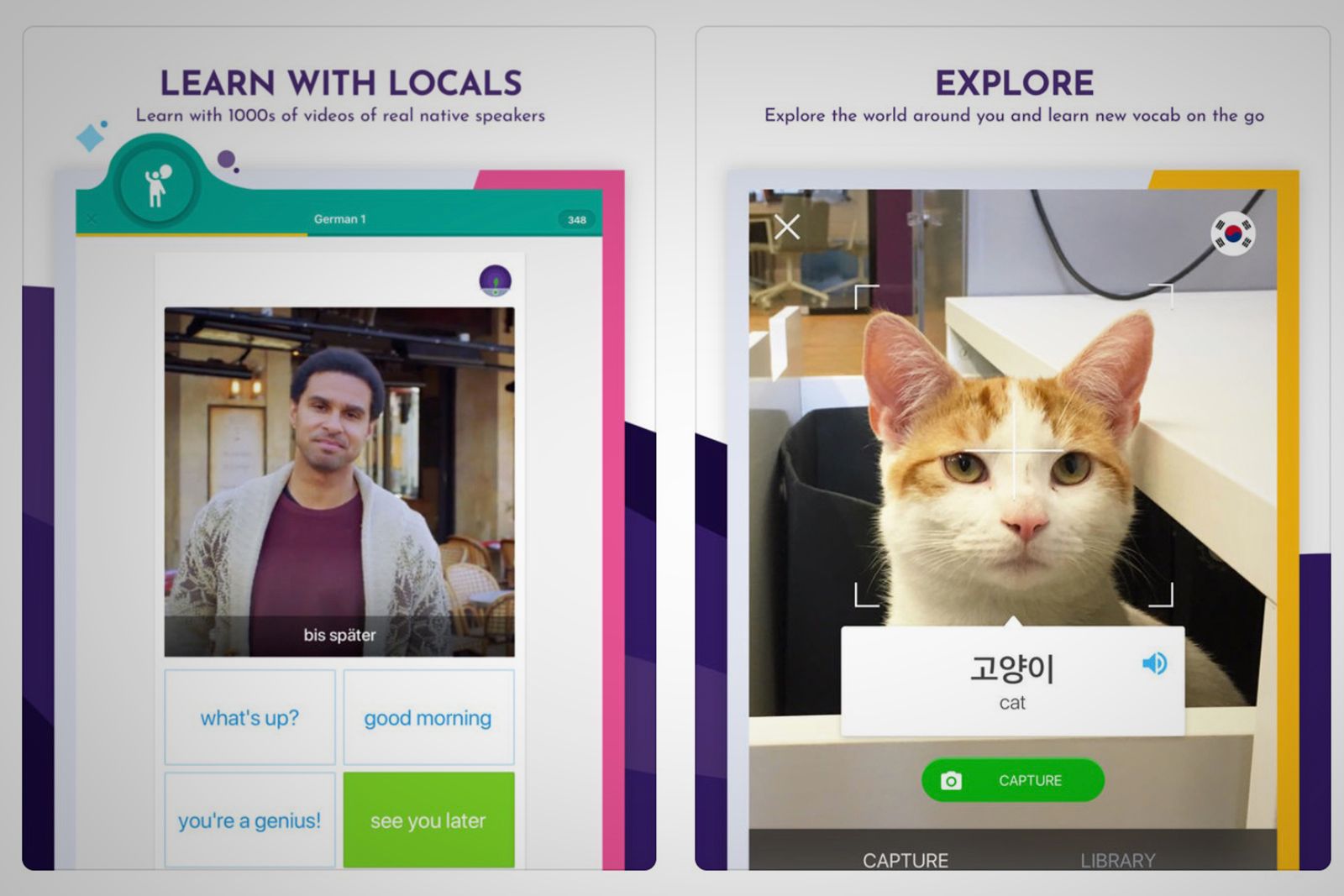
If you're looking for an app that's for learning new languages, Duolingo is a great option. There's a free version, as well as a Duolingo Plus tier, for $9.99, which cuts the ads and gives you the ability to download lessons for offline studying.
Try it now: Duolingo
Memrise
This is another easy-to-use language learning app with an entertainment layer. Learn everything from French to Norwegian.
Try it now: Memrise
StudyBlue Flashcards
StudyBlue is a crowdsourced materials library meant to help you crush exams. It has over 10 million students and over 500 million flashcards.
Try it now: StudyBlue Flashcards
TED
Designed to "feed your curiosity and expand your world", this app has over 3,000 free videos from the world's most remarkable people.
Try it now: TED
Wolfram Alpha
Whether you need to perform high-level mathematical computations or search for facts and statistics, WolframAlpha is worth trying. It's essentially a powerful tool for finding information on math, science, and other topics.
Try it now: Wolfram Alpha
Film and TV
Apple TV app
The Apple TV App lets you browse content from over 100 video services. You’ll find movies and shows, live sports, and news. It is available on iPhone, iPad, and Apple TV - so you can watch at home or while out and about.
Try it now: TV app
HBO Now
With HBO Now, you can watch our favourite episodes of HBO’s series (think Game of Thrones and Westworld) for a monthly subscription fee.
Try it now: HBO Now
Hulu
Hulu offers up an entire library of movies and shows (including Seinfeld, South Park, and Fear the Walking Dead) for a monthly subscription fee. For an additional cost, you get over 50 live channels, like ABC, NBC, CBS, and ESPN.
Try it now: Hulu
IMDb
IMDb, an Amazon company, is an authoritative source for all-things Hollywood. Explore popular movies and TV shows and their casts, and get access to trailers, behind-the-scenes clips, and showtimes (plus buy tickets) near you.
Try it now: IMDb
Netflix
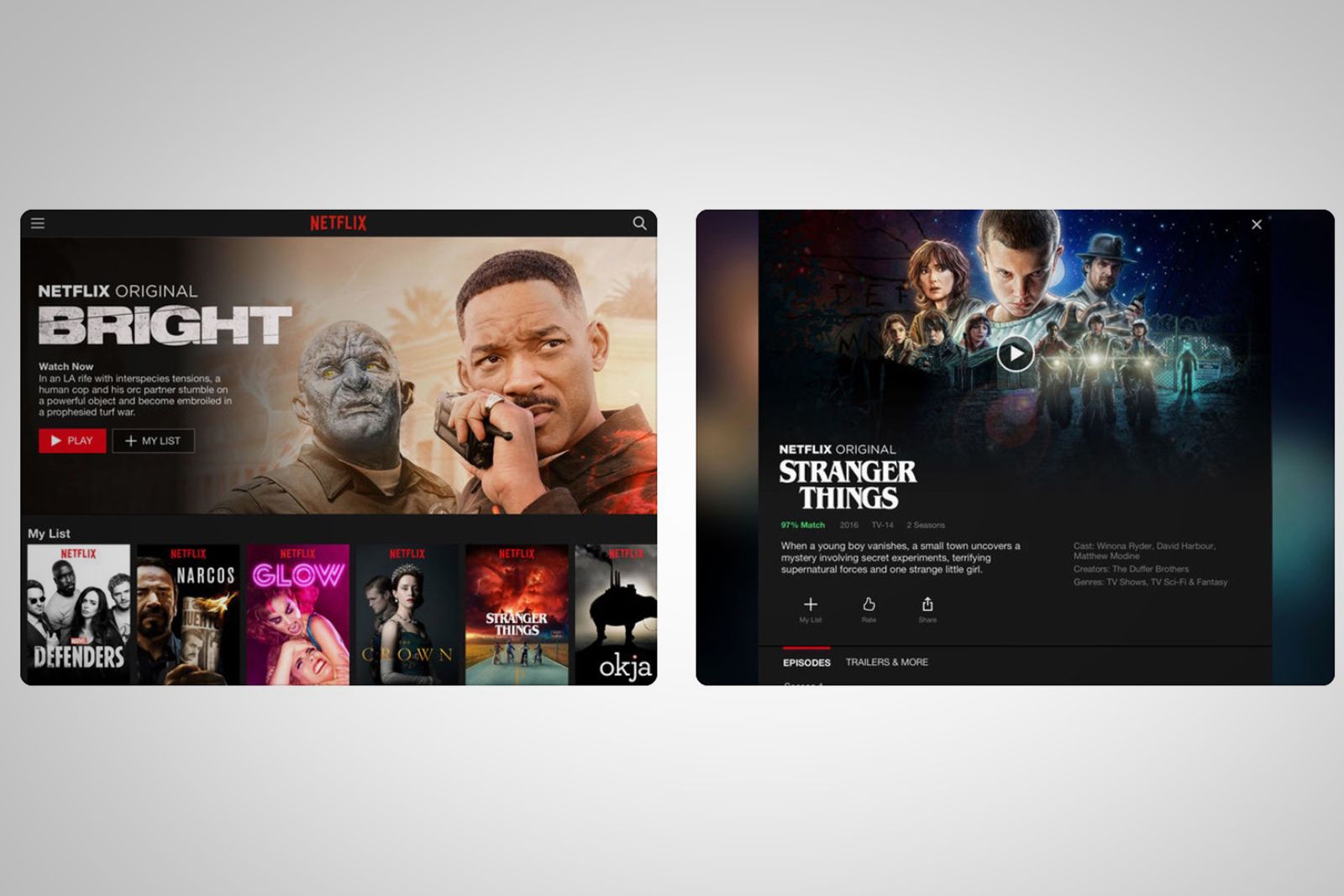
Netflix is the king of streaming services. For a monthly subscription fee, you get access to Netflix Originals, plus many more movies and shows.
Try it now: Netflix
Prime Video
Prime Video is included in an Amazon Prime subscription. With it, you get access to Amazon Originals, plus many more movies and shows.
Try it now: Prime Video
YouTube TV
Like Hulu's Live TV offering, YouTube TV offers cable-free live TV, so you can stream major broadcast and networks, from ABC to ESPN. It also has cloud storage, and is a monthly pay-as-you-go membership you can cancel anytime.
Try it now: YouTube TV
YouTube
YouTube is the original source for online video. Use it to watch beauty tutorials, game streams, music videos, and more - for free, with ads.
Try it now: YouTube
Food
Grubhub
Grubhub is like Doordash, though it promises to have "the largest selection of restaurants" - from KFC to your local burger haunt.
Try it now: Grubhub
OpenTable
This app has more than 43,000 restaurants around the globe. It's the perfect travel app for finding local restaurants and booking a reservation.
Try it now: OpenTable
Seamless
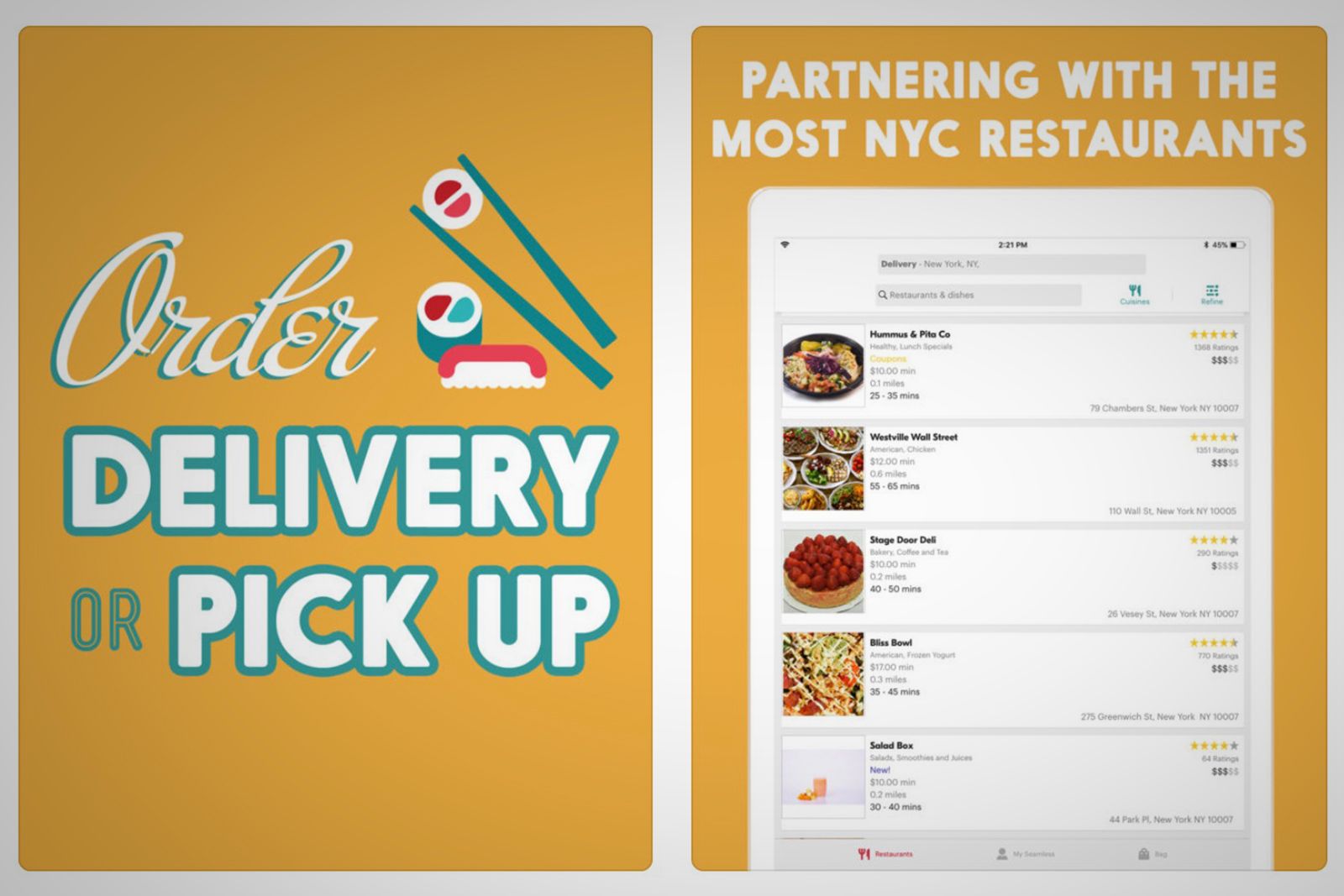
Like Grubhub and Doordash, Seamless lets you access local menus, with fast, easy online ordering. But it's only available in New York City.
Try it now: Seamless
Uber Eats
Hungry? Get the food you want, from the restaurants you love, delivered by an Uber, and you can even track your order in real-time.
Try it now: Uber Eats
Messaging
Facebook Messenger
If you use Facebook, you definitely use Messenger. But it can be tied to your number, allowing you to text anyone in your friends list or contacts. You can also do video chats, complete with filters, play games, access biz chatbots, and more.
Try it now: Facebook Messenger
Slack
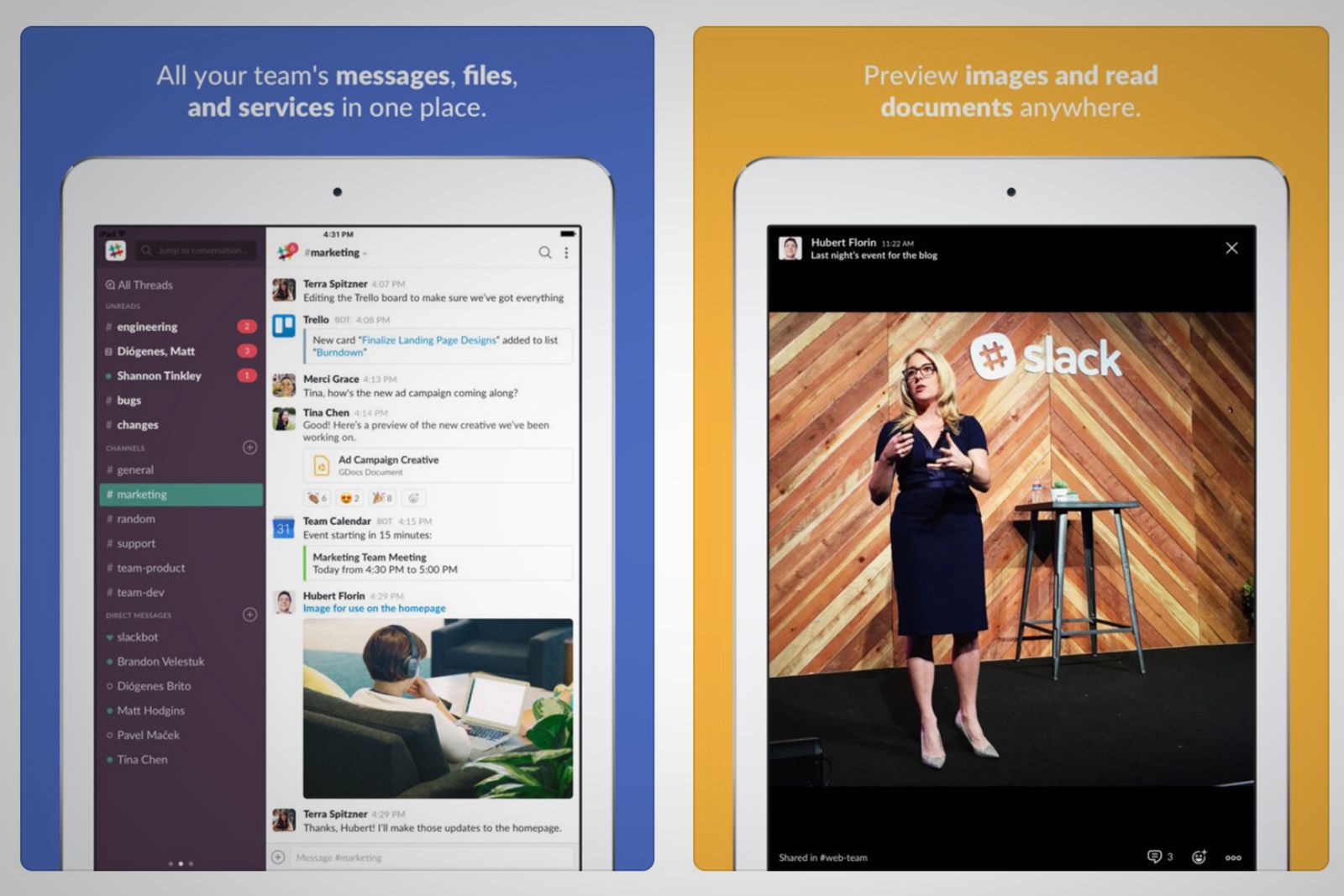
Slack is a communication and collaboration app. Designed primarily for businesses, it's a must-have messenger for teams.
Try it now: Slack
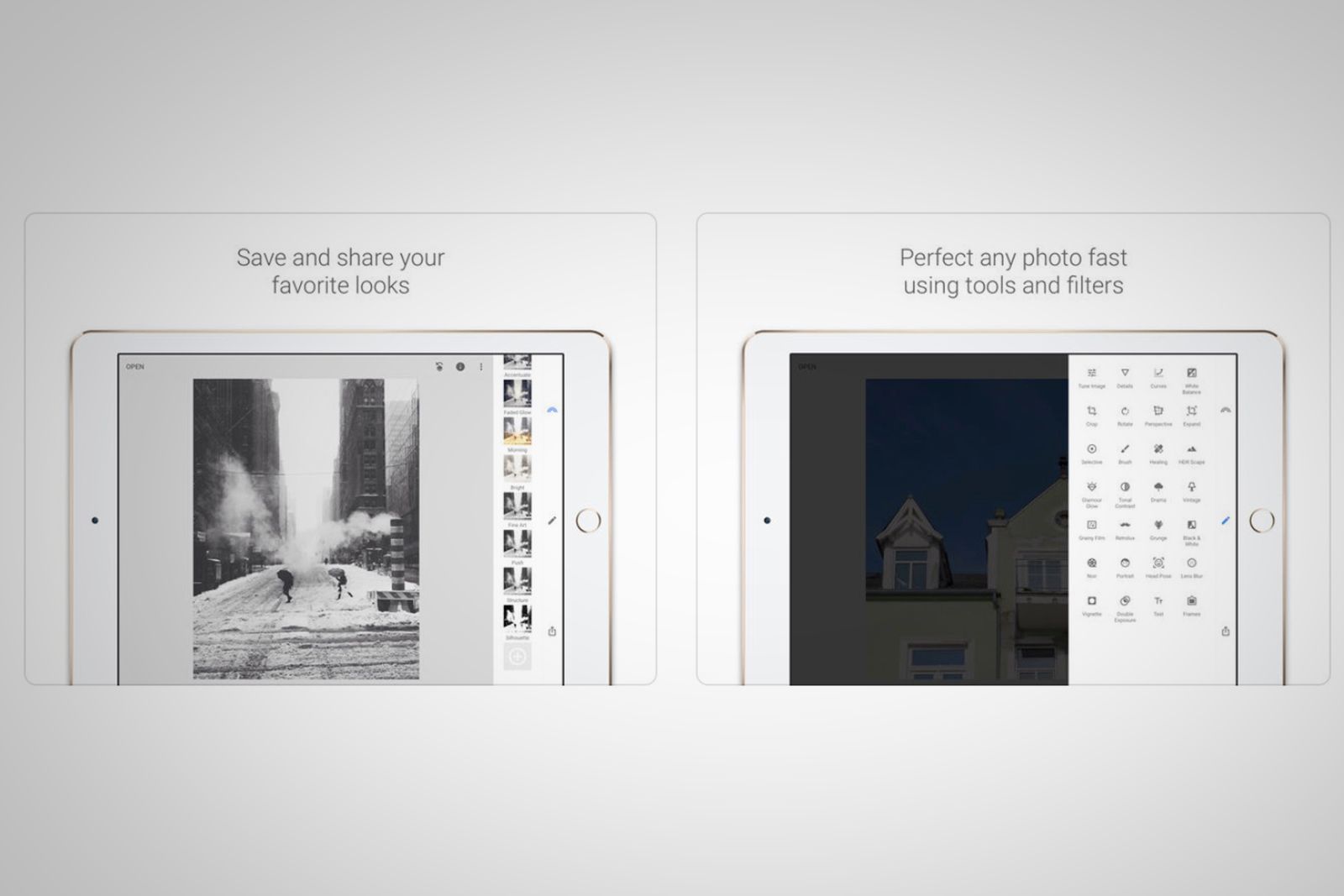
Photo and video
Apple Clips
Clips is Apple's app that allows you to easily splice together a polished video without a lot of effort. Apple already offers several video creation tools, from the high-end Final Cut Pro to iMovies. Clips is an alternative, free option.
Try it now: Apple Clips
Snapseed
Snapseed is a photo editor developed by Google. It's not Photoshop, but it's still feature-rich with tools like healing and brush. It also lets you open RAW files, use filters, and refine aspects like curves with precise control.
Try it now: Snapseed
Google Photos
Google Photos is an app that lets you store and view all your photos and videos, and even create custom animations and GIFs.
Try it now: Google Photos
Photoshop Mix
Adobe has several photo-related apps, but we think Photoshop Mix is interesting because it has some of Photoshop's most powerful tools. It still appeals to a broad range of users, however. You can create simple collages or do more hardcore Photoshopping, whichever you prefer.
Try it Now: Photoshop Mix
Premiere Rush CC
This is Adobe's answer to Apple Clips. It lets you shoot, edit, and share online videos, and is designed for short-form clips versus longer ones.
Try it now: Premiere Rush CC
Prisma
Prisma is a photo editor app that creates amazing photo effects by transforming your photos into paintings using so-called art filters.
Try it now: Prisma
iMovie
Apple's iMovie app is available for iOS and Mac. It lets you browse your video library and create movies in a fast, fun, and easy way.
Try it now: iMovie
Productivity
Apple Mail
This is Apple's built-in Mail app. It's far from perfect, but it's still one of the best options out there. It even beats the Gmail app, in our opinion.
Try it now: Apple Mail
Apple Numbers
Apple's own version of Microsoft Excel is a beautiful spreadsheet app that's designed for a mobile device experience and is free to use.
Try it now: Apple Numbers
Apple Keynote
Next up is Apple's version of Microsoft PowerPoint. It's a free app built from the ground up for iPad. And it makes creating a professional presentation - complete with animated charts and cinematic transitions - very simple.
Try it now: Apple Keynote
Microsoft Excel
Excel is probably the most popular spreadsheet app in the world - used in businesses and schools worldwide. But it requires an Office 365 sub.
Try it now: Microsoft Excel
Microsoft PowerPoint
With PowerPoint, you can quickly create, edit, view, present, or share presentations quickly. Again, you need an Office 365 subscription.
Try it now: Microsoft PowerPoint
Google Sheets
Sheets is a cloud-based alternative to Excel. Use it to create, edit, save, and even collaborate on spreadsheets while on the go.
Try it now: Google Sheets
Google Slides
Slides is a cloud-based alternative to Powerpoint. Use it to create, edit, and collaborate with others on presentations from your iPad.
Try it now: Google Slides
Google Calendar
Google is a powerhouse in the productivity and collaboration space, and Calendar is a prime example. It lets you view, edit, sync your schedule across platforms and devices. You can also create a team Calendar to share with others.
Try it now: Google Calendar
Google Chrome
If you hate Safari, consider trying to Chrome, especially if you use the desktop app. It's a powerful browser that syncs across all your devices.
Try it now: Google Chrome
PDF Expert
PDF Expert 6 lets you read, highlight, sign, and fill out PDFs on an iPad. It also supports editing existing PDF text, replacing images, and more.
Try it now: PDF Expert
Focus Keeper
Focus Keeper helps you "keep your productivity high avoiding burnout using the timer". The point is to help you work with time - not against it!
Try it now: Focus Keeper
PCalc
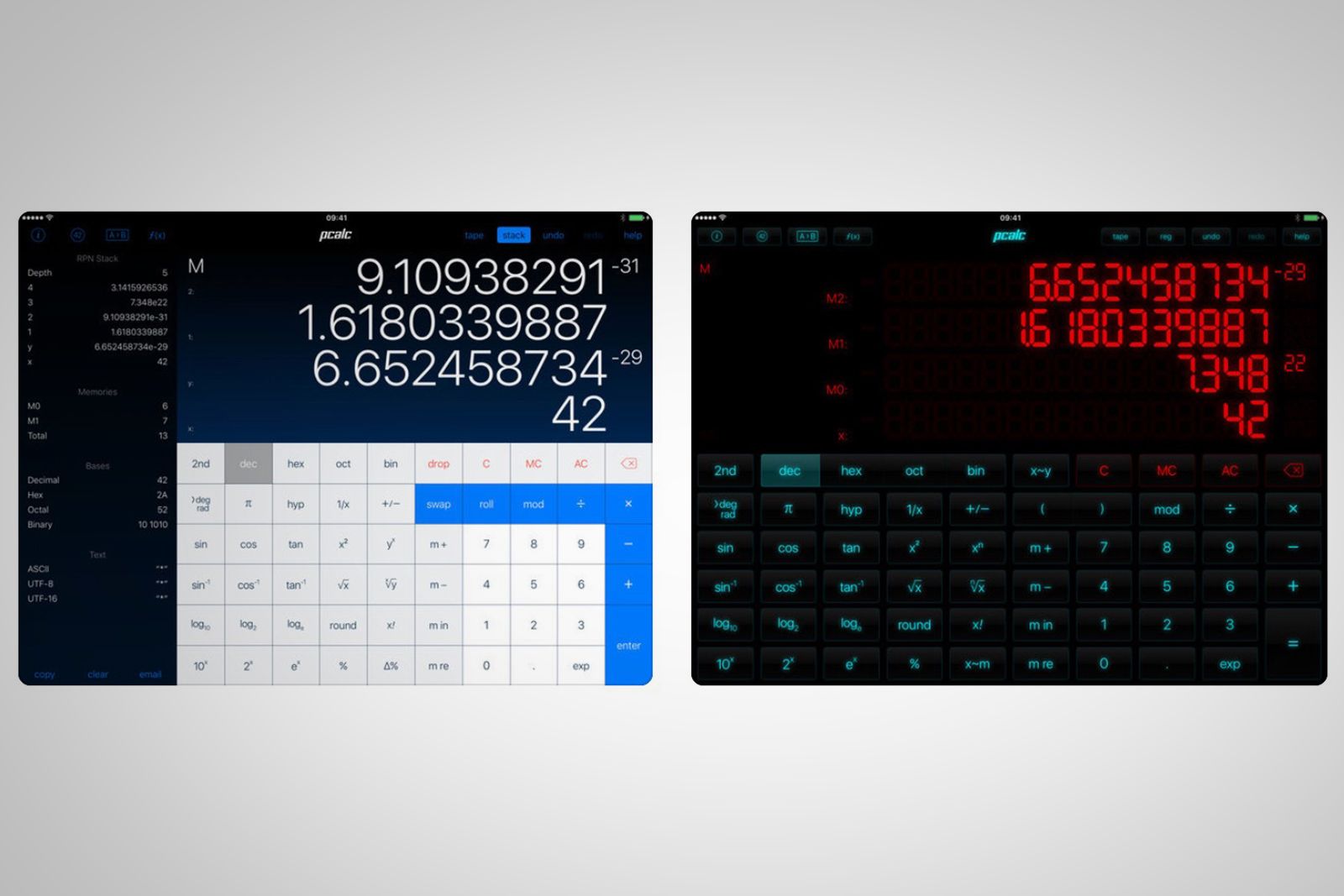
PCalc is the powerful calculator - pitches at scientists, engineers, and programmers. It includes an optional RPN mode and multi-line display, a choice of button layouts, a huge set of unit conversions and constants.
Try it now: PCalc
Spark
If you don't want to use Apple Mail, consider Spark. It lets you discuss emails privately with teams in a thread, schedule emails, access integrations like Dropbox, use a built-in calendar, and create links to a specific email or thread.
Try it now: Spark
Timepage
Timepage uncluttered, stunning calendar app from Moleskine. We really like the intuitive month heatmap that instantly shows when you are busy.
Try it now: Timepage
Todoist
Todoist is like a reminder app that helps you to keep track of everything, anywhere. Even when you’re offline. It also offers access to over 60 app integrations, including Dropbox, Amazon Alexa, Zapier, IFTTT, and Slack.
Try it now: Todoist
Wunderlist
Wunderlist is an another to-do list and task manager app. It makes it easy to capture, share, and complete tasks, no matter the device you're using.
Try it now: Wunderlist
Social media
Facebook almost needs no introduction. It's probably the most popular social network in the world. Use it to connect with friends, old and new. Or, use it to view hidden ads and memes from meddlers spreading propaganda.
Try it now: Facebook
LinkedIn is the social network for professionals. It helps you build an online resume, find jobs, network, and more. It's also owned by Microsoft.
Try it now: LinkedIn
This is the mecca for DIYers. Want to make a lip scrub? Check. Need Halloween party ideas? Check. You can explore over 100 billion pins for every part of your life, and create mood boards to look back on for inspiration.
Try it now: Pinterest
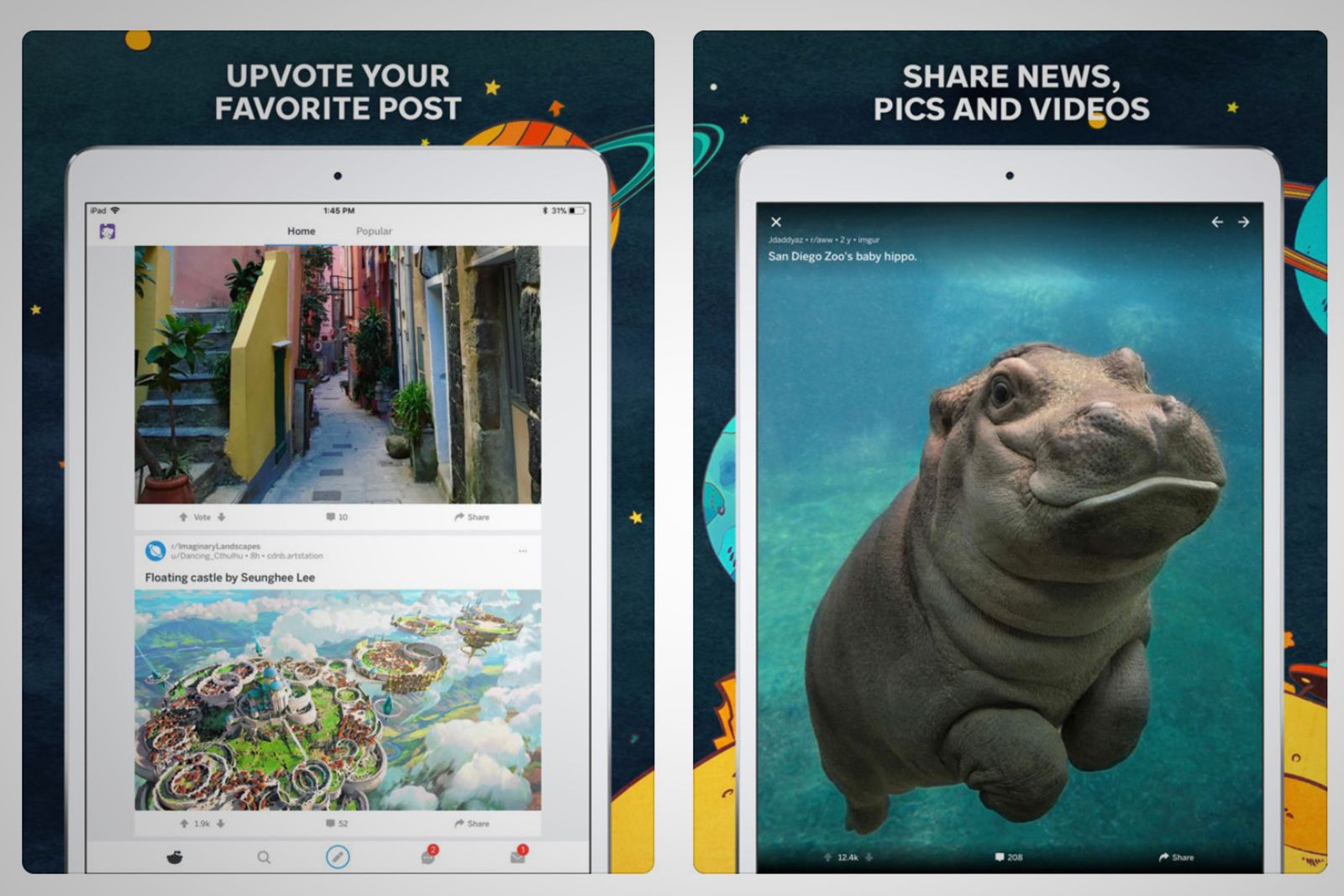
Discover top trending topics, breaking news, viral video clips, funny jokes, and hot memes with the official Reddit app.
Try it now: Reddit
TikTok
The basic function of TikTok is that users can film videos of themselves lip-syncing or acting out sketches. Their videos can be up to 15 seconds long, and they can pick from a library of songs, effects, and sound bites to add to their videos.
Try it now: TikTok
Ah, the toxic armpit of the internet. Want to see what the US President is tweeting? How about Kim K or your favourite CNN anchor? It's all here, in real-time, with basically no filters in place. Bring on the alt-right trolls!
Try it now: Twitter
Travel and transportation
Airbnb
Forget hotels. They're expensive and price rigged. Instead, use Airbnb to find an affordable vacation rental, or start earning money as a host.
Try it now: Airbnb
Google Maps
Google Maps is the only maps app you need. With over 220 countries and territories mapped and hundreds of millions of businesses and places on the map, you can get real-time GPS navigation, traffic, and accurate transit info.
Try it now: Google Maps
Uber
Need a lift? Try Uber for a ride. It's a cab service or carpool, where the drivers can be anyone from a lawyer to cop trying to earn extra on the side.
Try it now: Uber
TripAdviser
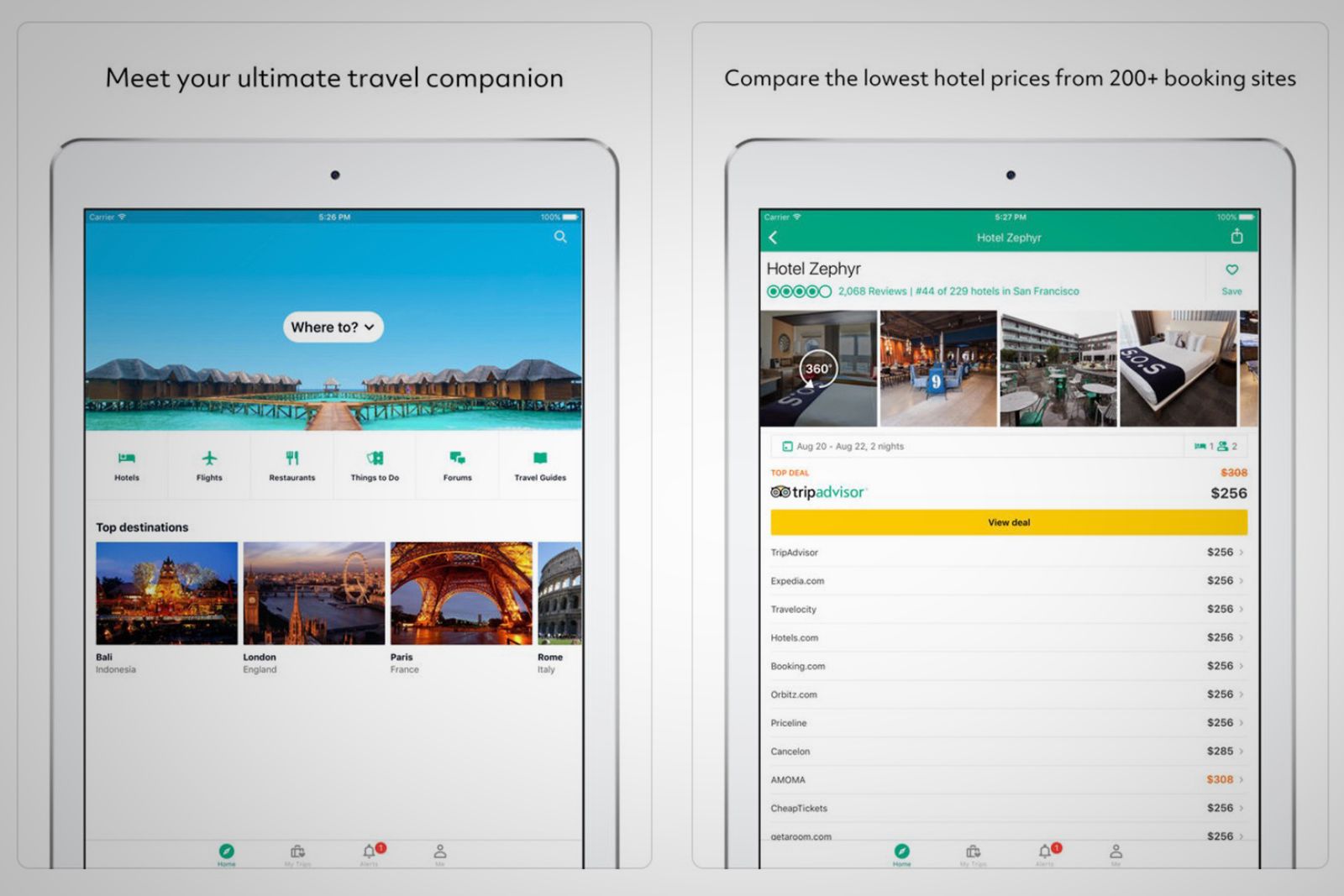
If you're traveling, you need to use TripAdvisor to find reviews, photos, and maps about destinations. It has over 500 million reviews and opinions.
Try it now: TripAdviser
Waze
Google-owned Waze tells you instantly about traffic, construction, police, crashes, and more, thanks to its cool crowdsourcing technology.
Try it now: Waze
Yelp
Yelp lets you find local food, businesses, and services, with over 135 million reviews available to help you make an informed decision.
Try it now: Yelp
Weather
Carrot Weather
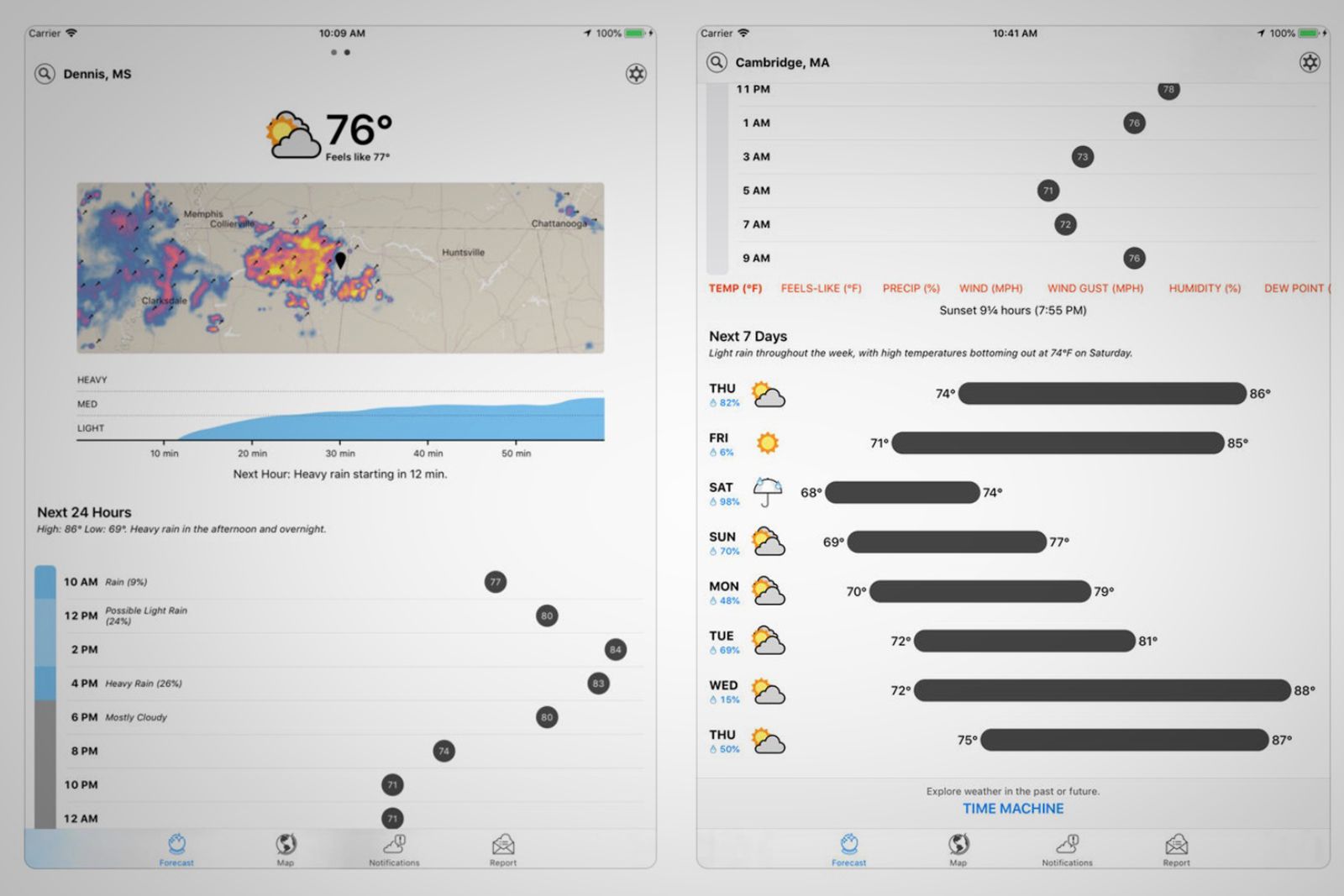
This app uses Dark Sky’s super accurate weather data, but adds a layer of personality. Carrot’s dialogue, characters, and scenery changes are a fun way to get current, hourly, and daily forecasts.
Try it now: Carrot Weather
Dark Sky
Speaking of Dark Sky, it claims to be "the most accurate source of hyperlocal weather information", with down-to-the-minute forecasts and beautiful weather animations and actual storm tracking.
Try it now: Dark Sky
Graphic Design
Paper
Paper is popular sketching app that also supports handwriting notes, drafting, diagramming, and so on.
Try it now: Paper
AstroPad Studio
Astropad Studio allows you to use your iPad to draw directly into Photoshop. So, it turns your iPad into a high-end graphics tablet.
Try it now: AstroPad Studio
Procreate
This is another powerful sketching, painting, and illustration app with over 136 brushes, a layer system, and high-resolution canvases.
Try it now: Procreate
Linea Sketch
If you want a sketching app with a minimal UI, a huge colour palette, layers, a ZipLine, grids and templates, and flexible exporting, look no further.
Try it now: Linea Sketch
Pigment
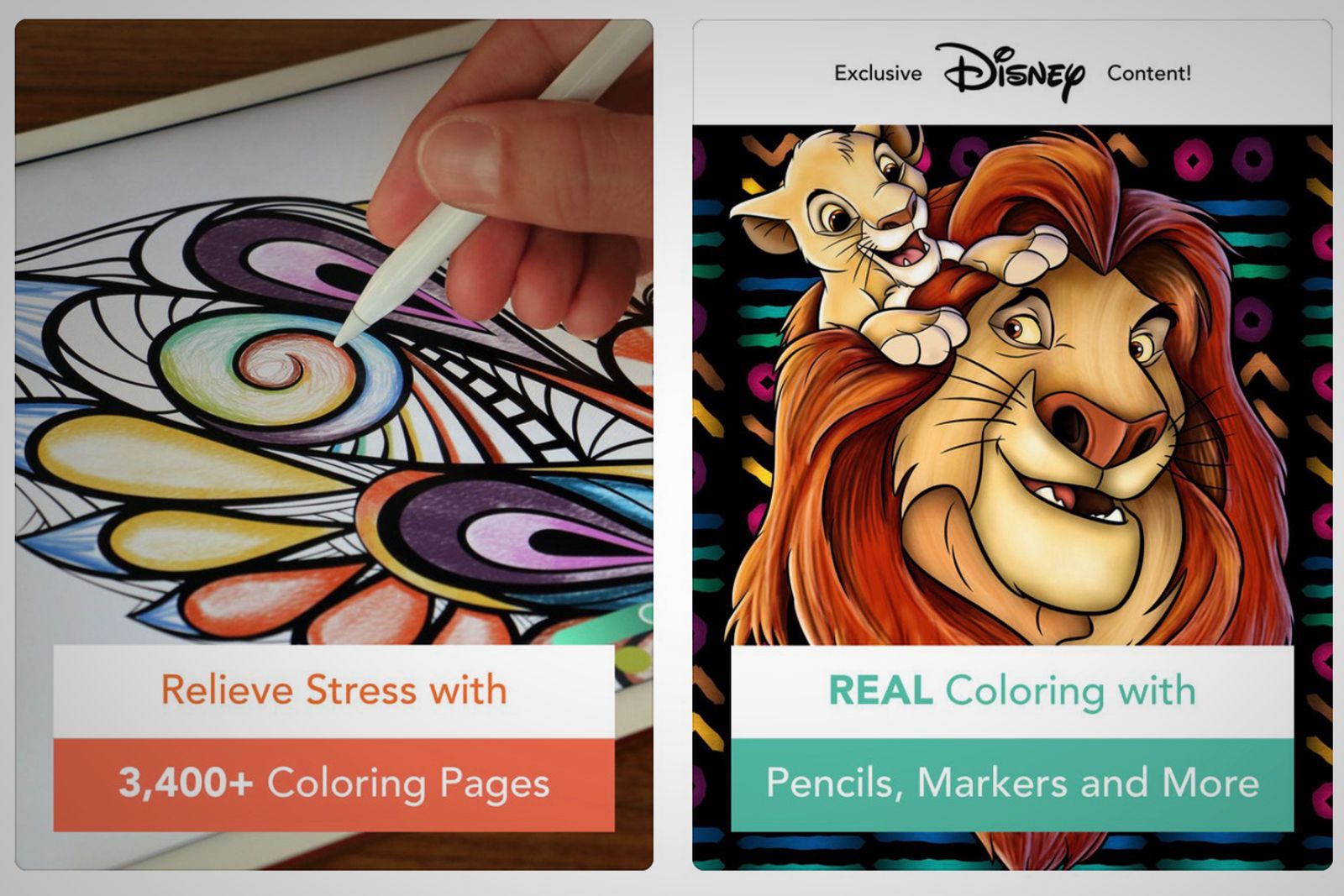
Those of you who love adult colouring books will want to use this digital version of those. Just 5 to 10 minutes of colouring can reportedly provide the same benefits as meditation, and help you practice mindfulness.
Try it now: Pigment
Affinity Photo
This is the closest you can get to Photoshop. It has full support for unlimited layers, among many other things, and even 360-degree images.
Try it now: Affinity Photo
Adobe Illustrator Draw
If you’re a vector artist, this is your go-to app, with customisable brushes for drawing and designing. You can create on resizable canvases up to a delightfully printable 8K. And all your layered files can be sent right to Illustrator CC.
Try it now: Adobe Illustrator Draw
Autodesk SketchBook
Here is another option for doodling and creating art. It offers creative sketching tools and is ridiculously easy to learn and use.
Try it now: Autodesk SketchBook
Shapr: 3D modeling CAD
Shapr3D is a mobile CAD app that lets you create 3D models. It's fueled by the same geometric modeling engine as Solidworks.
Try it now: Shapr: 3D modeling CAD
Affinity Designer
And here is Affinity's version of Illustrator. It's a precise vector graphic design software that you can use to create graphics for marketing materials, websites, icons, UI design, cool concept art, and more.
Try it now: Affinity Designer