
Earlier in the week Google announced that it was introducing a new feature to it’s search engine – Instant Pages, and now those that are happy to ride the Beta wave can experience the feature for themselves.
If you’re running Google Chrome, then all you need to do is restart it. On doing so you’ll find that you’ve been upgraded automatically to Chrome 13 and that means you’ve got the new feature.
Now when you search Google you’ll find that the first choice loads automatically once you’ve clicked on it making your surfing a lot quicker, like instantly quicker.
The new feature works by pre-caching the most likely outcome so as when you click it you don't have to wait around for the page to load - it will already be there waiting for you.

But that’s not all Google’s been up to over the weekend. It’s also been playing around with the look and feel of how your favourite search engine (well unless you use Bing) looks.
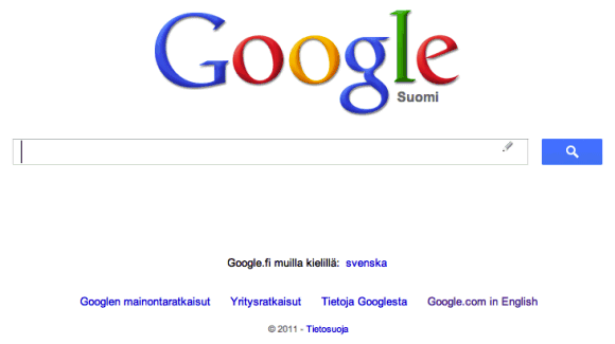
The new look features an exaggeration of the search icon on the home page, the lost of the “I’m feeling lucky” link and a header similar to the one iPhone users will be used to in the Google app and the one used on the company’s inside search website launched earlier in the week.
On the search page itself another change is that the "cached" and "similar" links are placed in the Instant Preview box, so they're more difficult to find.
What do you think of the new design, like it or loathe it? Let us know in the comments below.